
Last Updated: April 2026
Every hour a volunteer gives your organization is worth $34.79, according to Independent Sector’s 2024 Value of Volunteer Time report. With 75.7 million Americans volunteering in the year ending September 2023 (AmeriCorps / U.S. Census Bureau), the human capital available to nonprofits is enormous. The challenge is using it well.
Strong volunteer management is what separates a nonprofit that burns through volunteers from one that builds a loyal, capable crew. This guide gives nonprofit program managers and development directors a practical nonprofit volunteer management system (recruit, manage, retain) with actionable volunteer management tips at every stage. No extra staff required.
- Volunteer time is valued at $34.79 per hour (Independent Sector, 2024), making retention a direct financial priority.
- Write volunteer role descriptions like job postings: specific tasks, time commitment, and required skills.
- A 3-part onboarding (orientation, task assignment, check-in timeline) prevents early dropout.
- Recognition at three levels (private, public, and milestone) is the lowest-cost retention tool available.
- Spreadsheets work fine below 25 active volunteers; software becomes worth it above that threshold.
What Is Volunteer Management (And Why It Matters)
The financial case is straightforward. If your organization engages 30 volunteers for 10 hours each per month, that’s an estimated programmatic value of $125,244 annually at the $34.79/hr benchmark from Independent Sector (2024). (This is an internal program-evaluation figure; it is not recognized for GAAP financial reporting.) Poor management doesn’t just cost you good people. It costs you measurable program capacity.
Why Nonprofit Volunteer Programs Fail
Most small nonprofit volunteer programs don’t fail because of bad intentions. They fail because of three predictable problems. First, there’s no consistent system: recruitment is ad hoc, onboarding is informal, and follow-up depends on whoever has time. Second, volunteers feel invisible: they show up once, hear nothing for three weeks, and quietly disappear. Third, skill-to-task matching is poor: a retired accountant gets asked to stuff envelopes while a college student with no relevant skills gets put on grant-adjacent work.
For programs in the 10–40 volunteer range, the fix usually isn’t hiring a full-time coordinator. It’s building a lightweight, repeatable system across three stages: recruit, manage, and retain. Beyond that scale, dedicated staff attention becomes harder to avoid, but the system still needs to exist first.
Step 1: Recruit Volunteers Who Actually Show Up
The most common recruitment mistake small nonprofits make is accepting everyone who raises their hand. A warm body in a role that doesn’t fit them is worse than no one at all: they disengage quickly, and their exit creates extra cleanup work.
Write a Role Description, Not a General Appeal
Treat every volunteer role like a job posting. A vague “we need volunteers!” post attracts people with no idea what they’re committing to. A specific role description attracts people who self-select for the actual work. Include the task, the time commitment (hours per week and duration), required skills or experience, and what success looks like.
For example, instead of “help with events,” write: “Event Setup Volunteer: 4 hours on Saturday mornings, 3 weekends per quarter. Responsibilities: arrange tables, greet attendees, manage sign-in. No experience needed, comfortable standing for 2 hours.”
Where to Post Volunteer Roles
- VolunteerMatch: high-traffic nonprofit volunteer listing platform
- Idealist: strong for mission-driven and skills-based volunteering
- Local university community service offices: students often need service hours
- Facebook neighborhood and local community groups: underused by nonprofits, high local reach
- LinkedIn: effective for skills-based volunteering (legal, accounting, marketing)
Three Screening Questions Before Onboarding
A short pre-onboarding conversation or form saves hours downstream. Ask every prospective volunteer these three questions before they attend an orientation session.
- Why do you want to volunteer with us specifically? Separates mission-aligned candidates from resume-fillers.
- What skills or experience do you bring that might be useful? Surfaces hidden capacity you didn’t advertise for.
- What does your availability look like over the next three months? Catches episodic vs. ongoing volunteers early, so you can route them to the right program track.

Step 2: Onboard and Manage Volunteers Without Losing Your Mind
Onboarding is where most small nonprofits lose volunteers before they’ve done meaningful work. The window between “I signed up” and “I feel useful here” is narrow. A structured 3-part onboarding closes it.
Part 1: Orientation (Before the First Shift)
Orientation doesn’t need to be a formal training day. A 30-minute call or a concise welcome packet works, provided you document that any required safety training, background checks (mandatory for roles involving minors or financial access), and confidentiality agreements were completed before the volunteer’s first shift. Cover your mission in plain language, explain how volunteers fit into program delivery, and introduce the person they’ll report to. The goal is simple: they should know who to ask when something goes wrong.
Part 2: Task Assignment (First Week)
Match each volunteer to a specific, concrete first task, not a general role. “You’re helping with outreach” is not a task. “You’ll send follow-up emails to 20 event attendees using this template, by Thursday” is a task. Specificity reduces anxiety and raises the chance they actually do it. Keep the first task achievable within their stated availability window.
Part 3: Check-In Timeline (First Month)
Build two touchpoints into the first month: a quick check-in at the end of week one (“How did the first task go? Any questions?”) and a brief review at the 30-day mark (“Is the role matching what you expected? Is there anything else you’d like to contribute?”). These don’t need to be long. A short email or a five-minute call is enough. Silence in the first month is the strongest predictor of dropout.
Communication Cadence for Active Volunteers
During active projects, communicate at most once a week. More often feels like micromanagement. Going quiet for two or more weeks reads as disorganization and signals to the volunteer that they’re not needed. A weekly digest email covering what happened, what’s coming, and any asks works well for groups of 10 to 30 volunteers.
What Data to Track Per Volunteer
You don’t need sophisticated software to track volunteers. At a minimum, maintain a record of each volunteer’s contact information, which roles they’ve filled, total hours contributed, relevant skills, and current availability. A shared spreadsheet handles this well for teams under 25 active volunteers. Above that threshold, the coordination overhead starts to cost more time than a software tool would.

Step 3: Retain Volunteers Through Recognition and Communication
There’s a useful distinction that most volunteer guides skip: volunteer management is the logistics system (scheduling, tracking, communicating), while volunteer engagement is the culture and experience that makes people want to stay. You need both. A well-run system with no engagement culture loses volunteers to better-feeling organizations; strong engagement with no system creates burnout for staff. This section covers both.
Volunteers leave for predictable reasons: they felt invisible, expectations were unclear, or communication dropped off after their first few shifts. The good news is that fixing all three is low-cost. Recognition and consistent communication are the two most effective retention tools available to any nonprofit; neither requires a budget.
Why Volunteers Go Quiet
Most volunteer attrition isn’t dramatic. There’s no complaint, no exit conversation. A volunteer simply stops responding to scheduling requests. In our experience, this usually traces back to one of three moments: they felt their contribution wasn’t noticed, they were asked to do something outside their stated role without explanation, or they went two or more weeks without hearing from anyone. Catching these moments early is what re-engagement is about.
The single phrase that tends to re-engage lapsed volunteers most reliably: “We missed you. Is there a better role or time commitment that would work for you?” It signals that the organization values them and is willing to adapt, without making them feel guilty for going quiet.
Recognition at Three Levels
You don’t need an annual gala to make volunteers feel valued. Build recognition into your regular operations at three levels.
- Private recognition: A personal thank-you note (email or handwritten) within 48 hours of a significant contribution. Reference the specific task. “Your help at Tuesday’s registration table kept check-in moving smoothly” lands better than “Thanks for volunteering!”
- Public recognition: A brief spotlight in your newsletter or social media once a quarter. Feature one volunteer by name, share what they contributed, and quote them if they’re comfortable. This serves double duty as social proof for recruiting.
- Milestone recognition: An annual appreciation event or a small token (certificate, branded item) at hours milestones (25 hours, 50 hours, 100 hours). Milestone recognition converts one-time contributors into long-term advocates.
Re-Engaging Lapsed Volunteers
If a volunteer hasn’t responded to three or more outreach attempts over 60 days, send one final re-engagement email. Keep it short, genuine, and free of guilt. Acknowledge the gap, offer a lower-commitment option (episodic volunteering, a one-time project), and make it easy to opt out if their circumstances have changed. A one-email sequence respects their time and often brings back a meaningful percentage of lapsed contributors.
For deeper strategies on motivating your volunteers, the linked guide covers intrinsic motivation frameworks and specific language that works across volunteer types.
One underappreciated factor in retention: role clarity outperforms recognition. Volunteers with an ambiguous role description are more likely to disengage than volunteers who receive less recognition but have clear, bounded responsibilities. Fixing role descriptions is faster and cheaper than building a recognition program; it should come first.

Volunteer Management Software: When You Actually Need It
Spreadsheets are underrated for small volunteer programs. If you have fewer than 25 active volunteers and one or two program tracks, a well-structured Google Sheet or Excel file is genuinely sufficient. The overhead of learning and maintaining a new software platform often costs more than it saves at that scale.
Signs You’ve Outgrown Spreadsheets
There are clear operational signals that manual tracking is no longer working. You’ve likely crossed the threshold when three or more of these apply: you have more than 25 active volunteers, you run multiple program tracks with different scheduling needs, volunteers are emailing you to ask about their own hours, you’re manually sending the same communications to different role groups, or a volunteer fell through the cracks because two people assumed someone else was following up.
The decision to move off a spreadsheet is rarely about hitting a magic number. It’s about operational strain. A program with 12 volunteers on complex, interdependent weekly shifts may need software sooner than one with 35 volunteers who all show up for a single annual event. Use the signals above, not a headcount, as your trigger.
What to Look for in a Volunteer Management Tool
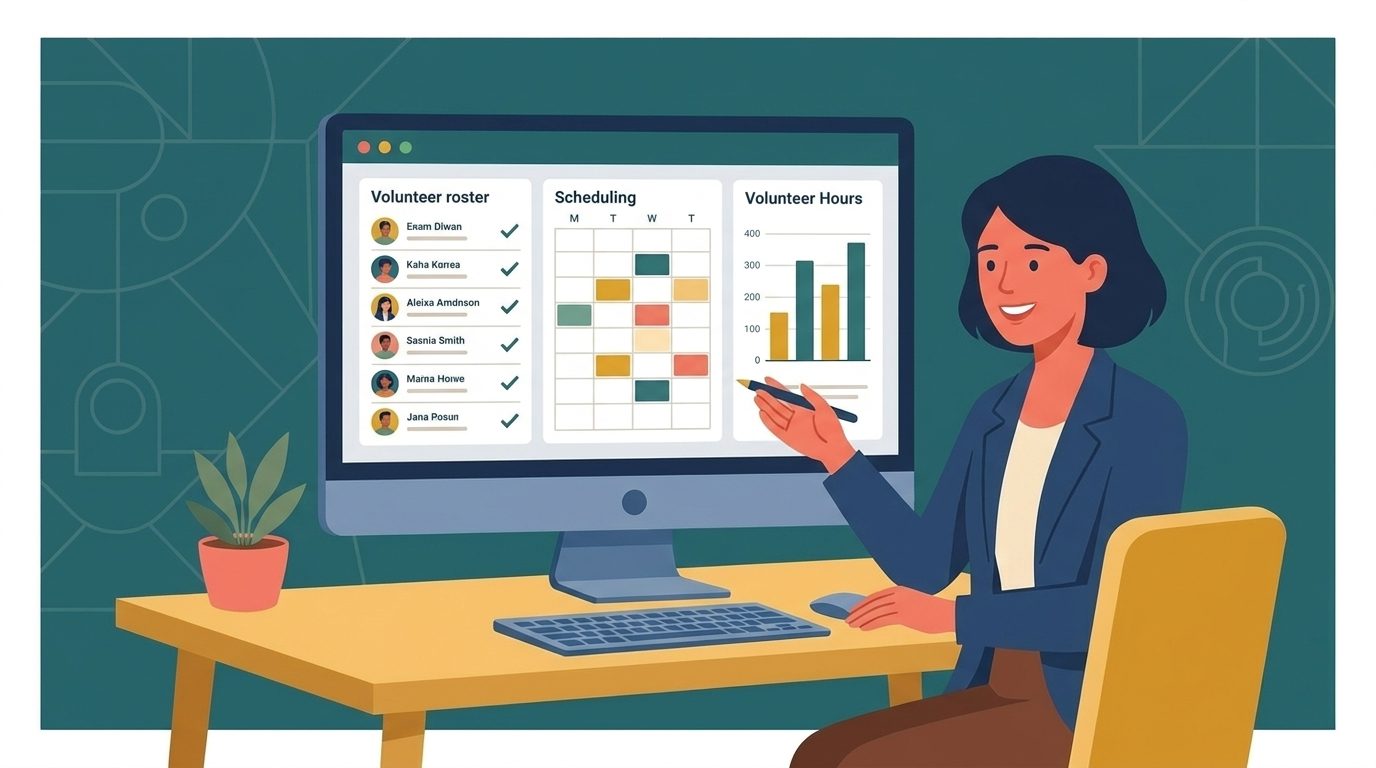
For a small nonprofit, four capabilities matter. A contact database that holds volunteer profiles with roles, skills, hours, and availability. Communication tools that let you segment by role or program and send targeted messages without exporting to a separate email platform. Scheduling that allows volunteers to self-sign up for available shifts. And hours tracking that volunteers can update themselves and that produces a simple export for grant reporting.
What to Skip
Avoid platforms that lead with complex reporting dashboards, API integrations, or enterprise-tier features before the basics work. For a team managing 25 to 75 volunteers without a dedicated coordinator, the most important thing is a tool your volunteers will actually use. Complexity is a feature for large orgs. For small nonprofits, simplicity is the feature.
For a structured comparison of platforms, the guide to volunteer management software covers the top tools by use case and organization size. If you’re also managing donor relationships or membership alongside volunteers, a nonprofit CRM may be the more practical starting point; it consolidates contact records across all your constituent groups in one place.
If you’re looking for a platform that handles volunteer admin alongside your broader nonprofit operations (member records, event management, and communications), nonprofit management software like Raklet is built to consolidate those workflows without enterprise-level complexity.
Frequently Asked Questions
What is volunteer management?
Volunteer management is the set of practices a nonprofit uses to recruit, onboard, schedule, communicate with, recognize, and retain volunteers. It covers the full volunteer lifecycle from initial inquiry through long-term engagement. Effective volunteer management turns a one-time contributor into a reliable program asset; it doesn’t require a dedicated staff role to work at small-nonprofit scale.
What software do nonprofits use for volunteer management?
Common platforms include VolunteerHub, Galaxy Digital, SignUpGenius, and Raklet. The right choice depends on organization size and which features matter most. Small nonprofits with fewer than 25 volunteers often start with a structured spreadsheet before moving to a tool. Above that threshold, platforms with self-service scheduling and built-in communication save meaningful staff time each week.
How do you track volunteer hours?
For small programs, a shared Google Sheet where volunteers log their own hours is fast to set up and easy to maintain. For programs with grant reporting requirements or multiple program tracks, a purpose-built volunteer management tool with a volunteer-facing hours log is more reliable. The key is making entry frictionless: volunteers won’t log hours through a five-step process.
How do you keep volunteers engaged and coming back?
Three factors drive retention more than any others: clear role expectations, consistent communication (at least monthly during active seasons), and recognition that names the specific contribution, not just a generic “thank you.” Private thank-you notes within 48 hours of a shift, quarterly newsletter spotlights, and annual milestone acknowledgments cover all three levels without requiring a budget or extra staff time.