

Published: March 4, 2025. Last updated: November 9, 2026.
Membership management software is a system that stores your member records, collects dues and renewal payments, registers people for events, sends member communication, and gives members a login where they can update their own details. It replaces the spreadsheet, the separate payment links, the email list, and the shared drive with one database that the whole organization works from.
Two things make this purchase different in 2026 than it was five years ago. Nearly every vendor now advertises AI features, and a lot of those features are a label on a report that already existed. And the market has consolidated sharply, so the platform you buy this year may belong to a different owner within three. Both are worth asking about before you sign anything.
This article defines the category, shows you how to tell whether you have actually outgrown your spreadsheet, and gives you the questions to ask a vendor. It does not rank products.
What is membership management software?
Membership management software is a platform built around the member lifecycle: someone joins, pays, participates, renews, sometimes lapses, and sometimes comes back. A membership management system tracks all of that against one record per person, so the answer to “is this person a member in good standing, and when did they last pay us?” is one lookup rather than three files and a phone call.
The distinction that matters is between a tool that stores contacts and a tool that understands membership. A contact database knows a name and an email address. Membership software knows that this person is on the Professional tier, paid on 14 March, is due to renew in seven months, attended two of the last four events, and has not opened an email since May. Everything useful the category does comes from holding those facts together in one place.
You will see the same category sold under several names. Member management software, membership management system, membership database software, and membership CRM usually describe the same thing. Association management software is a related but distinct category, covered below.
What membership management software actually does
Vendor feature lists tend to blur together. These are the six jobs the software is actually doing on your behalf.
Member records in one place
One profile per person, holding contact details, membership type, join date, payment history, event attendance, and any custom fields your organization needs. This is the part a spreadsheet can imitate until two people edit it at once.
Dues, renewals, and payments
Recurring billing on the schedule you set, automatic renewal reminders before the due date, and a record of who paid, when, and how much. Failed-payment recovery matters more than most buyers expect, because a large share of lapsed memberships are expired cards rather than unhappy members.
Events and registrations
Event pages, ticketing, member versus non-member pricing, check-in, and attendance written back to the member record. The write-back is the point. Attendance data that lives in a separate event tool cannot tell you who is disengaging.
Member communication
Email and messaging sent to segments defined by real membership data, such as everyone whose renewal is 30 days out, or everyone who joined this year and has never attended anything.
A self-service member portal
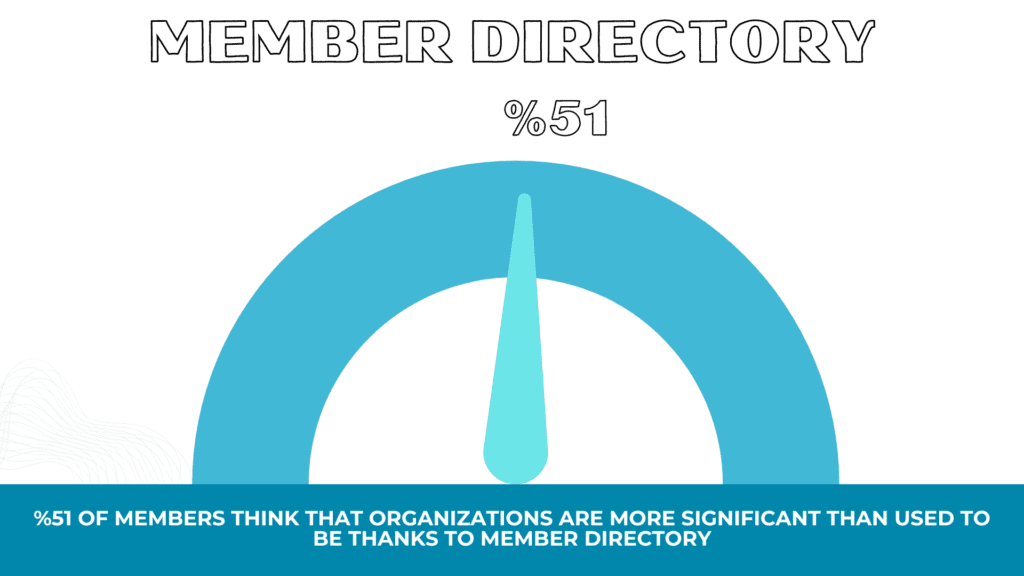
A login where members update their own details, download receipts, renew, and browse a directory if you publish one. This is the single largest source of administrative time savings, because it moves routine data entry off your desk and onto the member’s.
Reporting on retention and revenue
Renewal rate, first-year renewal rate, revenue by membership type, and engagement over time. If a platform cannot show you your first-year renewal rate without an export, treat that as a warning sign rather than a quirk.
How it differs from a CRM, an AMS, and subscription billing tools
This is the question buyers get wrong most often, and the mistake is expensive: organizations routinely spend a year customizing a general CRM to do something a membership platform does out of the box.
| Category | Built for | Where it falls short for members | Best fit |
|---|---|---|---|
| Membership management software | The full member lifecycle: join, pay, renew, lapse, rejoin | Weaker at complex sales pipelines and long B2B deal cycles | Clubs, chambers, alumni networks, nonprofits, faith communities, unions |
| General CRM | Tracking leads and deals through a sales funnel | No native concept of dues, tiers, renewal windows, or a member portal. Getting them requires custom development you then own forever. | Organizations whose primary motion is selling, not enrolling |
| Association management software (AMS) | Larger associations with chapters, committees, certifications, and continuing education | Heavier, slower to implement, and priced for organizations with dedicated staff | National and multi-chapter associations |
| Subscription billing tools | Charging a card on a schedule | Excellent at money, blind to everything else. No directory, no events, no engagement history. | Paid content and simple recurring products |
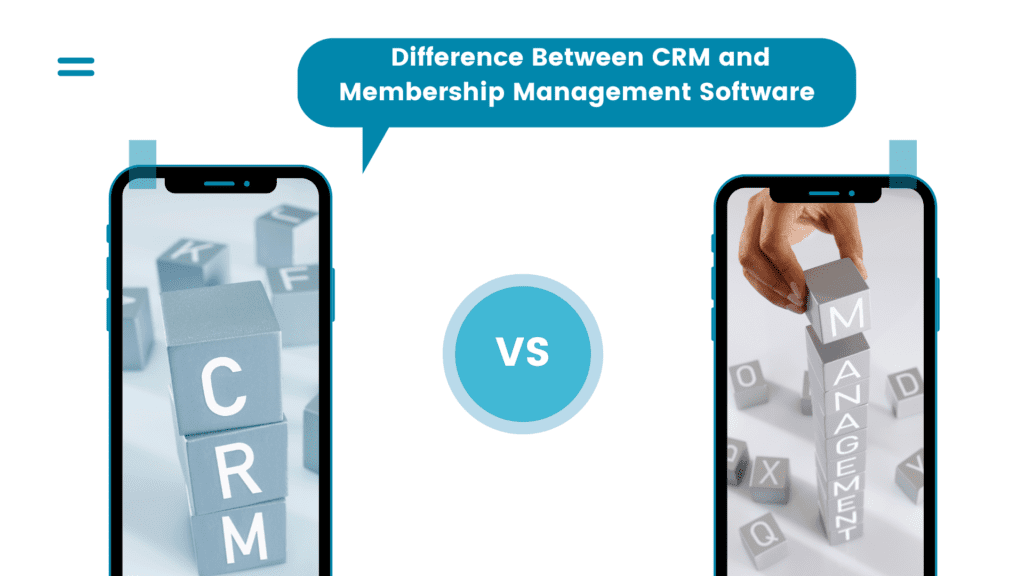
The line between membership software and association management software is mostly one of scale and governance. If you run chapters, issue certifications, or manage committee structures, you are in AMS territory. If you have members who join, pay, attend, and renew, membership software is the lighter and usually cheaper fit.
Who uses membership management software
Any organization where people join, pay something on a recurring basis, and expect something in return. In practice that means professional and trade associations, chambers of commerce, sports and social clubs, alumni networks, nonprofits with membership programs, faith communities, unions, and co-operatives.
The sector is larger than most people assume. Research published by ASAE with Oxford Economics in 2024 found that US associations directly support one million jobs and $71.4 billion in wages, and that more than 272,000 association events attract nearly 52 million participants each year. Events at that volume are exactly the workload that breaks a manual process.
Organization size matters more than organization type when you are choosing. A 200-member local club and a 20,000-member national body both need a member record and a renewal date, but only one of them needs chapter permissions and committee workflows. Most platforms let you set up membership tiers with different prices, benefits, and renewal terms, which is usually the first structural decision a new buyer has to make.
Signs you have outgrown spreadsheets
Plenty of organizations run perfectly well on a spreadsheet, and it is worth being honest about whether yours is one of them. These are the five symptoms that reliably mean the spreadsheet has stopped working.
- Nobody can say what the renewal rate is. If answering that question takes more than a few minutes, you are not measuring the one number that determines whether the organization grows.
- Renewals depend on somebody remembering. Manual reminders get skipped in busy months, and the members you lose that way rarely tell you why.
- The same person is entered twice. Duplicate records mean two versions of the truth, and the wrong one always gets used at the worst moment.
- Payment records and member records live apart. Reconciling a payment processor export against a member list once a quarter is a job that should not exist.
- Members email you to change their address. Every one of those emails is administrative work a member portal would have absorbed.
The pressure behind this is real. In the 2025 Membership Marketing Benchmarking Report, Marketing General Inc. found that 45% of association executives reported an increase in membership over the past year, down from prior editions. When growth softens, retention does the work instead, and retention is difficult to improve when you cannot see who is drifting away.
None of this means a spreadsheet is a mistake today. If you want to push yours further before you buy anything, it is entirely possible to keep a membership database in Excel in a structured way, and doing so will also produce the clean data you would need to migrate later.
What to look for when you evaluate a platform
Feature checklists are close to useless, because every vendor ticks every box. These five questions separate platforms that will fit from platforms that will fight you. Ask them in a demo and make the vendor show you, not tell you.
Does it handle your renewal model, or just “renewals”?
Anniversary-based renewals, a fixed annual date for everyone, household or corporate memberships covering several people, prorated joins mid-year, and grace periods are all different mechanics. Describe yours out loud and have the vendor configure it live.
Who owns your data, and can you export it?
Ask for a full export of member records, payment history, and event attendance, in a standard format, without contacting support. If that is not self-service, you are choosing a platform you cannot leave.
What does the member actually see?
Demos show the admin view because that is who is watching. Ask to see the join form, the renewal flow, and the portal on a phone. Members judge the organization by that experience, not by your dashboard.
What does it connect to?
Accounting, email, your website, and your payment processor. Confirm whether each integration is native, requires a middleware subscription, or is really an API you would need a developer to use.
Is the AI real, or is it a label?
Ask what the AI features do that a saved report and a scheduled email could not. Some answers are genuinely useful, such as drafting member communication or flagging accounts likely to lapse. Others are a rebranded filter. A vendor who can explain the difference honestly is telling you something about the whole product.
Timing is on your side here, because you are not the only one shopping. ASI reported in its 2025 membership benchmark that 65% of the associations surveyed planned AMS or CRM investments in 2025. Vendors expect to be compared. If you are ready to see how one platform answers these questions, Raklet’s membership management software page lays out the feature set and pricing in full.
What membership management software costs
Pricing in this category is usually tied to the number of contacts or members in your database, sometimes to the number of admin users, and occasionally to both. As a rough map of the market in 2026:
- Free and entry tiers. Several platforms offer a free plan capped by member count or feature set. Genuinely workable for small volunteer-run groups.
- Small organization plans. Roughly $25 to $100 per month, typically covering a few hundred to a couple of thousand members.
- Mid-market plans. Roughly $300 to $1,000 per month, adding automation, deeper reporting, and higher contact limits.
- Enterprise and full AMS. Quoted individually, usually with an implementation fee and an annual contract.
Two costs are easy to miss. The first is payment processing: some platforms add a percentage on top of the processor’s own fee, which on six figures of annual dues is a larger number than the subscription. The second is implementation and data migration, which is frequently quoted separately and can exceed the first year of licence cost on larger platforms. Ask for both in writing before you compare monthly prices.
If budget is the binding constraint right now, start by looking at what the free membership management software options actually include, and where their limits sit. A free plan you outgrow in six months is more expensive than it looks, because the migration cost lands anyway.
When you do not need membership management software
Most articles on this topic are written by software vendors, so this section rarely appears. It should. Buying a platform you do not need costs money and, worse, costs the volunteer hours it takes to set it up and abandon it.
A spreadsheet plus a payment link is the right answer when all three are true
- You have fewer than roughly 50 members, and the number is stable.
- Dues are collected once a year, on the same date, at one price.
- Nobody has left, complained, or been missed because of an administrative failure.
Two other cases are worth naming. If your organization does not really have members but has donors or customers, you want fundraising or ecommerce tooling instead, and membership software will feel like the wrong shape from day one. And if you are mid-way through a leadership handover, wait. Migrations run by people who are about to leave tend to produce databases nobody understands.
How to switch without losing your member data
Migration is where these projects fail, and almost always for the same reason: the data went across dirty. Five steps, in this order.
- Export everything first. Members, payment history, event attendance, and email lists, from every system currently holding any of it. Keep the raw files.
- Clean before you import. Merge duplicates, fix date formats, and decide what a lapsed member from 2019 is. Importing mess produces mess with a new logo.
- Map your fields deliberately. Decide which custom fields are actually used. Most organizations discover they have been maintaining several nobody reads.
- Run one renewal cycle in parallel. Keep the old system readable while the new one handles a full cycle. This is the only real test of whether renewals work.
- Tell members before they meet the portal. One email explaining what is changing and what they need to do prevents the support wave that otherwise follows a cut-over.
Budget more time for step two than feels reasonable. Cleaning is the whole job.
Getting started with Raklet
Raklet is an all-in-one membership platform covering member records, dues and renewals, events, communication, and a self-service member portal, used by clubs, associations, alumni networks, and nonprofits. If you are still deciding whether you need a platform at all, the sections above should help more than a demo will. If you have decided, Raklet’s pricing shows every plan and limit, including the free tier, without a sales call.
Frequently asked questions
What is membership management software in simple terms?
It is one system that holds your member list, takes their money, reminds them to renew, signs them up for events, emails them, and lets them log in to update their own details. Everything a membership organization does administratively, in one database instead of four.
What is the difference between membership management software and a CRM?
A CRM is built to move leads through a sales pipeline. Membership software is built around the member lifecycle, so dues, tiers, renewal dates, grace periods, and a member portal exist natively rather than as customizations. You can make a CRM behave like membership software, but you will pay for the development and then maintain it indefinitely.
How much does membership management software cost?
Free plans exist for very small groups. Small-organization plans generally run about $25 to $100 per month, mid-market plans roughly $300 to $1,000 per month, and full association platforms are quoted individually. Check payment processing markups and one-off implementation fees separately, since both are commonly excluded from the headline price.
Is membership management software the same as association management software?
They overlap but are not identical. Association management software adds chapter structures, committees, certification and continuing-education tracking, and governance tooling for larger associations. Membership management software covers the core lifecycle and is lighter, faster to implement, and generally less expensive.
Can a small organization use membership management software?
Yes, and small organizations often benefit most, because they have the least administrative capacity to spare. Free and entry-level plans are designed for groups in the tens to low hundreds of members. Below roughly 50 stable members with one annual dues date, a spreadsheet and a payment link remain a defensible choice.
Do I need membership management software if I already use a payment processor?
A payment processor charges cards. It does not know who is a member, which tier they are on, whether they attended anything, or when they are due to renew. If you are reconciling processor exports against a member list by hand, that gap is exactly what membership software closes.