

Last Updated: May 2026
Only 19.4% of first-time donors gave again in 2024, according to the Fundraising Effectiveness Project. The other 80.6% lapsed, mostly because no one followed up in time. That gap is why donor management software for nonprofits exists. The right tool stops new gifts from leaking out of your funnel: it automates thank-yous, flags lapsed supporters, and keeps every donor record in one place.
This guide compares 10 donor management platforms used by US nonprofits in 2026. We list them alphabetically (no vendor preference), name the limitations competitors hide, and add three sections most buyer guides skip: how to evaluate the AI features now appearing in donor tools, how to plan a migration without losing records, and how to match a tool to your organization’s size and budget.
Quick take:
- Best free: Zeffy (no fees) or Givebutter (tipping-based) for small nonprofits.
- Best for mid-size (500–5,000 donors): Bloomerang for retention analytics; Raklet when membership and fundraising share a database.
- Best for large or complex operations: Salesforce Nonprofit Cloud (NPSP) with admin capacity; NeonCRM for multi-program suites.
- Typical pricing: $19–$99/month entry tier, $100–$500/month mid-market, $500+/month enterprise.

What is donor management software?
Donor management software is a central database for donor records, gift history, communication logs, and campaign tracking. Think of it as the operational layer between your donation form and your annual report. Every gift, thank-you email, pledge update, and event ticket flows through it.
The category overlaps with broader nonprofit CRM tools but covers a narrower scope. A general-purpose CRM (Salesforce core, HubSpot) is built for sales pipelines. Adapting it to a nonprofit context requires custom objects, admin work, and ongoing maintenance. A purpose-built donor platform ships with the right data model on day one: donors, gifts, pledges, soft credits, campaigns, appeals, and stewardship workflows.
The category also overlaps with fundraising software, which focuses on the front-end donation experience: forms, peer-to-peer pages, and event ticketing. Donor management starts after the gift arrives, with deduplication, segmentation, retention reporting, and stewardship sequencing. Most modern tools span both, but the depth varies, and the difference matters when you compare pricing.
Who needs it?
If you track donor records in a spreadsheet and have more than a few hundred donors, you have already outgrown it. The breaking points are predictable. Duplicate records pile up. Thank-yous never go out because no one has time to send them manually. Retention reporting becomes a quarterly Excel project instead of a dashboard, and campaign attribution gets lost.
Three size brackets frame the buying decision: small nonprofits under 500 donors, mid-size organizations between 500 and 5,000, and larger nonprofits managing 5,000 or more records. The right tool for each bracket is different. We map options to size in the decision matrix below.
What to look for in donor management software

Most buyer guides rush this section or replace it with a feature checklist that reads like a vendor RFP response. Six criteria actually decide whether a tool fits.
Donor database and contact management
The core question: how clean does your database stay over time? Look for built-in deduplication, the ability to merge records without losing gift history, custom fields you can add without a developer, and bulk import that handles your CSV without hand-mapping every column. Segmentation matters as much as the database itself, because you cannot run a targeted appeal against an unsegmented list. Donor segmentation by lifetime giving, recency, frequency, and engagement level should work inside the standard interface.
Donation tracking and recurring giving
Most nonprofits underestimate how much recurring giving will grow. The platform must handle one-time gifts, recurring donations, pledges, in-kind gifts, and soft credits (a gift recorded against multiple donors, typically a household). Pledge management is the usual weak spot. Does the tool send reminders automatically, mark fulfilled pledges, and reconcile partial payments? If recurring giving sits at 20% of revenue today and you expect 40% within three years, the recurring engine deserves more scrutiny than the donation form.
Fundraising campaign tools
Online donation forms, peer-to-peer fundraising pages, event ticketing, and crowdfunding all sit here. Forms should be customizable without a designer (you will change them often), mobile-optimized by default, and embeddable on your existing website. Peer-to-peer support varies wildly. Some tools ship a polished peer-to-peer experience; others bolt it on as an afterthought. If peer-to-peer is core to your model, demo it specifically.
Reporting and analytics
Three reports do most of the work in a nonprofit: donor retention rate (overall and by cohort), LYBUNT and SYBUNT lists (donors who gave Last Year But Unfortunately Not This, or Some Years But Unfortunately Not This), and giving trends by campaign or appeal. If a tool cannot produce these without a custom report builder or an Excel export, that is a tell. Strong platforms ship them as standard dashboards.
CRM integrations and email marketing
Donor management does not live in isolation. Expect to integrate with email marketing (Mailchimp, Constant Contact, or built-in), accounting (QuickBooks is the most common need; see our roundup of nonprofit accounting software for the integration landscape), payment processors (Stripe, PayPal, Authorize.net), and your existing website CMS. Native integrations are smoother than Zapier-based connections. Ask vendors which integrations are built in versus bridged through a third party.
Pricing model fit for your budget
Three pricing models dominate the category: per-contact tiers (price scales with database size), flat monthly fees with feature tiers, and free platforms funded through transaction fees or optional donor tips. None is universally cheaper. The right model depends on your donor count, gift volume, and how much you mind passing fees to donors. Ask about hidden costs: payment processing markup above standard Stripe rates, charges to export your own data, mandatory annual contracts, and price escalators on renewal.
The 10 best donor management software for nonprofits in 2026
Listed alphabetically. Each entry covers what the tool does well, the honest limitation competitors will not mention, indicative pricing, and current AI capabilities (or the explicit absence of them).
Bloomerang
Best for: Mid-size nonprofits prioritizing donor retention analytics.
Pricing: CRM starts at $125/month; Fundraising add-on from $40/month (requires CRM bundle). Bundle pricing (Standard/Pro) requires a sales call. Constituent-based model with no per-contact overage fees.
What it does well: Bloomerang built its product around donor retention as a core metric, and its retention dashboards are the strongest in the category. Bulk communication, segmentation, and engagement scoring are well executed. Reporting is approachable for non-technical staff.
Honest limitation: Entry cost is higher than most alternatives: the CRM alone starts at $125/month before adding fundraising tools. Customization beyond the standard fields requires support tickets rather than self-service configuration.
AI features: Bloomerang shipped AI-assisted email drafts in 2024 (generate a thank-you or appeal from a short brief). The feature is useful but limited to email content; predictive scoring or next-best-gift suggestions are not yet in the product.
Verdict: If donor retention is the single metric you are most accountable to, Bloomerang’s analytics-first design fits.
DonorPerfect
Best for: Established mid-size nonprofits that prefer a mature, no-surprises platform.
Pricing: Starts around $99/month; scales by features and record count.
What it does well: Deep feature set built over more than two decades. Strong pledge management, granular standard reports (campaign performance, donor segmentation, recurring gift status), and a wide partner ecosystem. Customer support reputation stays consistently positive in user reviews.
Honest limitation: The interface still looks like 2015, and the navigation patterns frustrate staff used to modern SaaS. Public AI roadmap has been quiet relative to competitors. Ask for specifics in your demo.
AI features: Limited public announcements as of early 2026. Treat AI as not-yet-shipping rather than core.
Verdict: Reliable, mature, and feature-complete, but expect to invest in staff training to get the most out of it.
Donorbox
Best for: Small to mid-size nonprofits that want modern donation forms without a heavy CRM commitment.
Pricing: Free tier with a platform fee of 2–4% depending on the transaction type (2.95% for donation forms and fundraising pages; 3.95% for event ticketing, memberships, and peer-to-peer supporter pages); paid plans from around $19/month reduce or remove the platform fee.
What it does well: Donation forms are the cleanest in the category and embed easily on any website. Recurring giving setup is friction-free for donors. Onboarding is fast.
Honest limitation: Donor management depth (custom fields, complex segmentation, advanced reporting) runs shallower than dedicated CRMs. If your fundraising goes beyond email appeals and a recurring program, you will outgrow it.
AI features: Not a core part of the product at this time.
Verdict: Excellent front door, lighter back office. Best for orgs whose fundraising is mostly online and mostly straightforward.
Givebutter
Best for: Newer nonprofits, fiscally sponsored projects, and chapters that want a free platform model.
Pricing: Free to use; revenue comes from optional donor tips and standard payment processing fees.
What it does well: Modern fundraising experience with strong peer-to-peer, events, and campaign pages. Onboarding is among the fastest in the category.
Honest limitation: The free model depends on donor tipping, which confuses some donors and surfaces awkward conversations with major donors. Reporting and CRM depth work fine until you cross a few thousand donors, then trail paid platforms noticeably.
AI features: Limited AI features in production at this writing.
Verdict: Strong choice for startup-stage nonprofits and event-heavy fundraising; revisit if you grow past a few thousand active donors.
Little Green Light
Best for: Very small nonprofits (under 500 donors) on a tight budget.
Pricing: Starts around $45/month; scales by record count.
What it does well: Affordable, stable, and complete on the basics: donor records, gift entry, mailings, and standard reports. The product has a loyal user base built over many years.
Honest limitation: Workflow automation is thin compared with modern platforms. Donation forms work but look dated. Integrations are narrower than the larger platforms offer.
AI features: None in production at this time.
Verdict: A solid first DMS for stewardship-heavy organizations with mostly offline fundraising. A 300-donor historical society or community foundation is the canonical fit.
NeonCRM (Neon One)
Best for: Mid-size to large nonprofits running multiple program types (fundraising, events, memberships, volunteering).
Pricing: Starts around $99/month at entry tier; mid-tier and enterprise pricing scales with users and modules.
What it does well: A full suite that connects donor management, event registration, membership, peer-to-peer, and volunteer tracking. Customization options are deep, with strong custom fields and reporting.
Honest limitation: The breadth comes with a steeper learning curve. Implementation requires a few weeks of focused setup and ongoing admin attention. Small teams often find it more system than they need.
AI features: Neon One has been adding AI-assisted features incrementally; verify in your demo which ones are generally available versus in beta.
Verdict: Powerful when you genuinely need the multi-program suite; overbuilt if your needs are mostly donations.
Network for Good
Best for: First-time donor management buyers who want bundled coaching as part of the package.
Pricing: Not published publicly; quote-based and typically positioned above entry-tier competitors due to bundled services.
What it does well: Bundles software with personal coaching, which helps if your team has never used a donor database. Reasonable feature set for stewardship and email outreach.
Honest limitation: Opaque pricing creates a soft lock-in. You cannot easily benchmark against alternatives. Feature depth lags more established platforms, which becomes a problem as you grow.
AI features: Limited; the coaching layer is the differentiation, not AI.
Verdict: Consider if you are new to the category and value handholding; reassess in year two when self-service competence increases.
Raklet
Best for: Small to mid-size nonprofits that combine membership and fundraising in the same operation.
Pricing: Free tier available; paid plans start with contact-based pricing that scales with your contact list (see current pricing).
What it does well: Raklet sits at the intersection of donor management and membership management, so member dues, event tickets, donations, and recurring giving share one contact record. Good fit for organizations whose supporters are not only donors.
Honest limitation: Pure-play donor analytics (cohort retention curves, advanced major-gift workflows) run shallower than Bloomerang or DonorPerfect. If your operation is fundraising-only with no membership component, a specialized DMS may serve you better.
AI features: Raklet ships AI onboarding agents that match a new organization’s existing website design and import their pages automatically on signup, and the agents are customizable. AI engagement scoring (lapse-risk detection) and an AI-powered page builder are in active development. AI-assisted email drafting is not yet available.
Verdict: Strong fit when membership and fundraising share a database. An alumni association running annual giving alongside dues, or a professional association charging both membership and event donations, is the canonical shape. Less ideal as a pure-play donor analytics engine.
Salesforce Nonprofit Cloud (NPSP)
Best for: Larger nonprofits with admin or developer capacity, or complex multi-program operations.
Pricing: 10 free user licenses for eligible nonprofits through the Salesforce.org grant; additional licenses and editions are paid.
What it does well: Effectively unlimited customization, the largest app ecosystem in CRM, and enterprise-grade reporting. Once configured, it can model nearly any nonprofit workflow.
Honest limitation: Implementation is a serious undertaking. Successful adopters either have in-house Salesforce admins or pay implementation partners for setup. Total cost of ownership runs far above the “free” headline once you count admin time, paid add-ons, and managed packages.
AI features: Einstein AI is available across the Salesforce platform; specific nonprofit applications vary by edition.
Verdict: The right answer for large or complex organizations; typically wrong for small nonprofits without dedicated admin capacity.
Zeffy
Best for: Cost-sensitive nonprofits comfortable with a newer platform and a tipping-based revenue model.
Pricing: 100% free, with no platform fees and no transaction fees passed to the nonprofit; funded by optional donor tips.
What it does well: Donation forms, event ticketing, and basic donor management at zero direct cost. The product has gained traction quickly in the Canadian and US small-nonprofit market.
Honest limitation: Reporting, integrations, and customization lag paid competitors. The tipping model has produced friction in some donor demographics. As a newer company, the longer-term roadmap is less predictable than a 20-year-old vendor’s.
AI features: Limited at this writing.
Verdict: Compelling for small nonprofits where budget is the binding constraint and the feature ceiling is acceptable. A 75-donor PTA, a faith community, or a fiscally sponsored startup is the canonical fit. Watch product maturity over the next 12 to 24 months.
How to choose the right donor management software
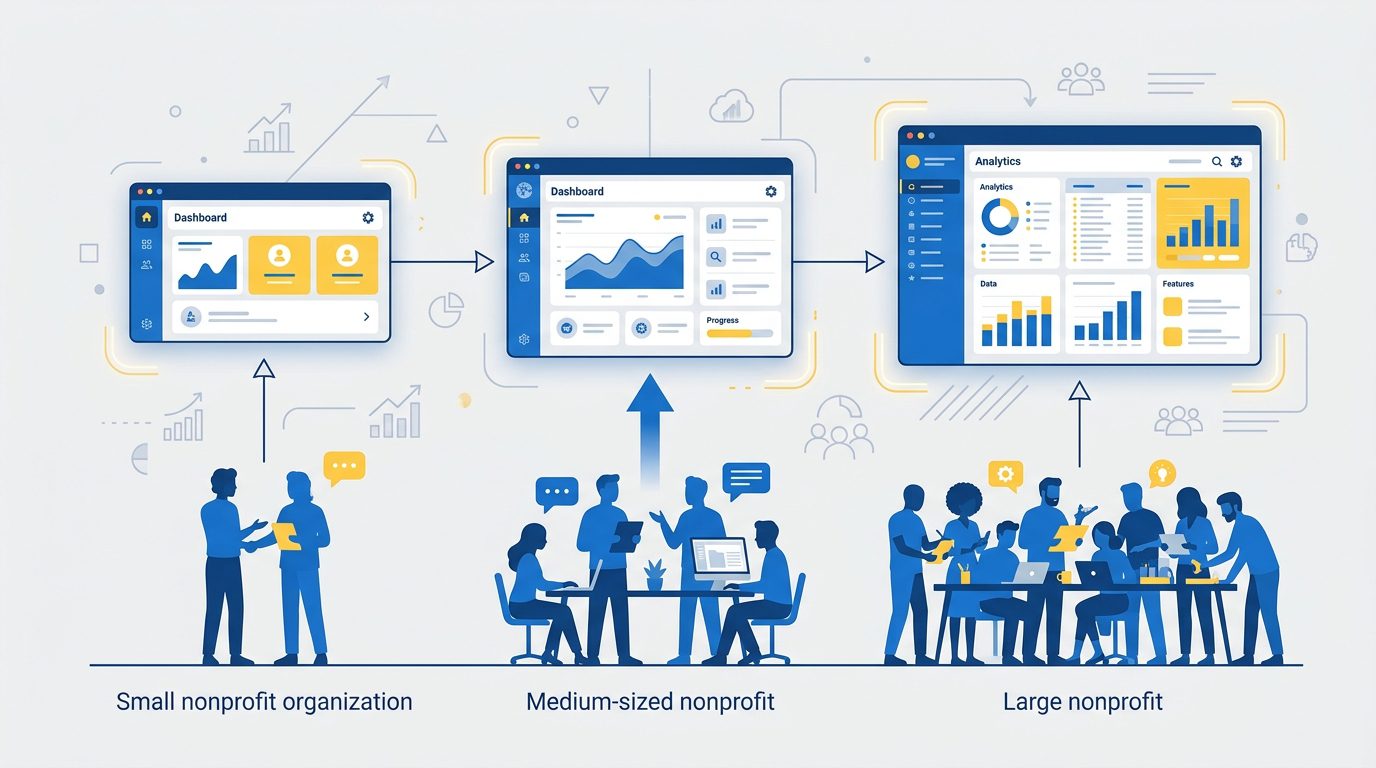
The 10 tools above span a wide cost and complexity range. Three questions narrow the field quickly.
1. How many donor records do you manage now, and what’s your three-year projection? Per-record pricing is the largest hidden cost in the category. A tool that fits 800 donors at $99/month often bills three times that at 3,000. Ask vendors to quote two scenarios: your current size and your expected size in three years.
2. Do you need membership management alongside fundraising? Membership organizations, alumni groups, professional associations, and chapter-based nonprofits often find that a pure-play DMS leaves out half their workflow. A combined membership-plus-fundraising platform consolidates the contact record, a benefit most nonprofits underestimate until they have lived through the alternative.
3. What’s your team’s technical capacity? Salesforce NPSP rewards organizations with admin capacity. NeonCRM rewards organizations willing to invest in setup. Donorbox and Givebutter reward teams that want to be live in a week. Match the platform to the team, not the team to the platform.
The matrix below maps tools to org size and monthly software budget. Use it as a starting point for your demo shortlist, not a final answer.
| Organization size | Under $100/mo budget | $100–$500/mo budget | $500+/mo budget |
|---|---|---|---|
| Under 500 donors | Zeffy, Givebutter, Donorbox free tier | Little Green Light, Donorbox paid, Raklet | Bloomerang entry, DonorPerfect entry |
| 500–5,000 donors | Zeffy, Givebutter | Donorbox, Raklet, Little Green Light | Bloomerang, DonorPerfect, NeonCRM |
| 5,000+ donors | Zeffy (with caveats) | Raklet, NeonCRM entry | Bloomerang, DonorPerfect, NeonCRM, Salesforce NPSP |
AI and automation features in donor management software
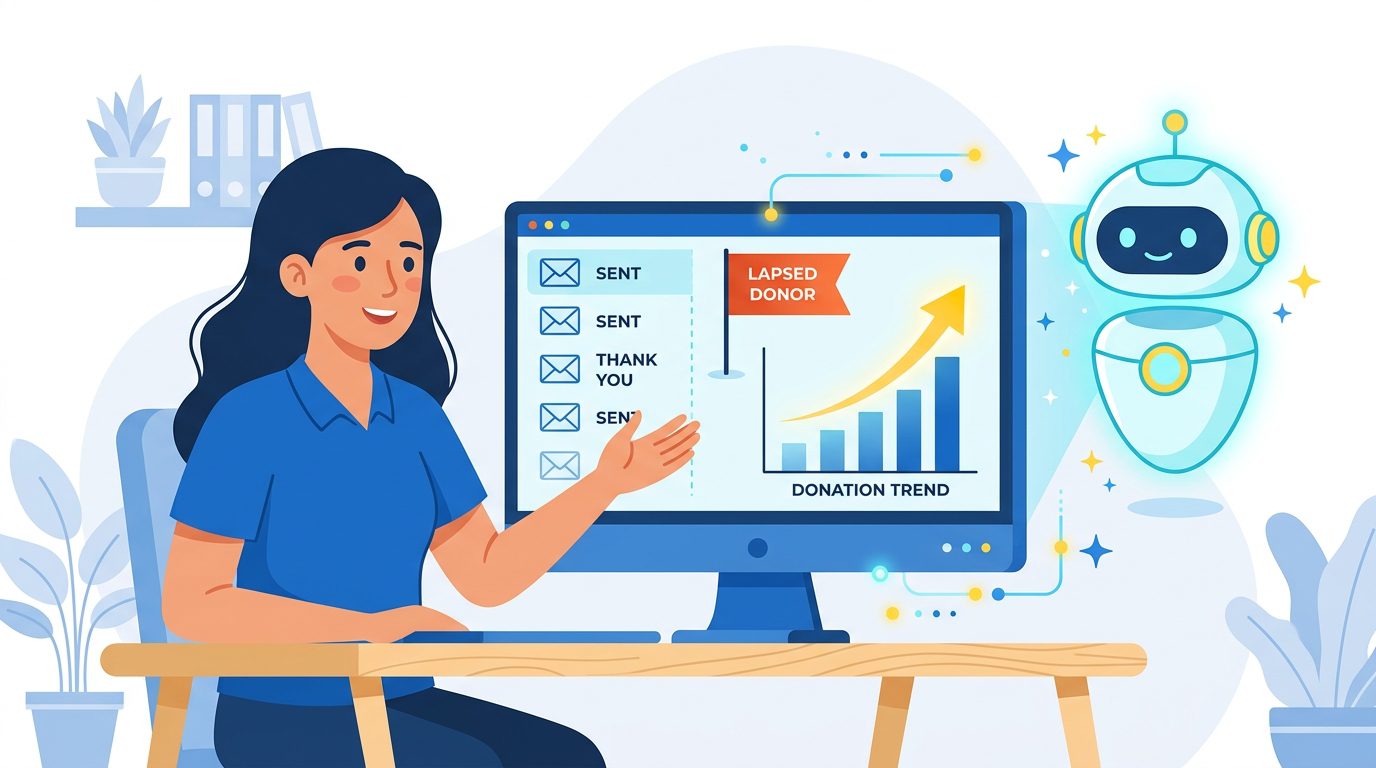
About 82% of nonprofits report using AI in some capacity, according to the Blackbaud Institute’s 2025 status of fundraising report, yet only 14% have a formal AI policy. That gap matters. Most fundraising teams are using AI without a framework for how to evaluate it inside their donor management platform.
Three categories of AI capability are showing up in donor tools:
- Generative content drafts. Thank-you emails, appeal letters, and donor newsletter copy generated from a short brief. Bloomerang and a few other platforms have shipped this. Quality varies, and the output still needs editing, but the time savings on stewardship correspondence are real.
- Lapse risk scoring. Models that predict which active donors are likely to lapse based on recency, frequency, and engagement signals. A few enterprise-tier platforms offer this; most mid-market tools do not yet.
- Next-best-gift suggestions. Recommended ask amounts based on prior giving and demographic signals. This is more common in major gift workflows than in mass-market DMS tools.
Three questions to ask any vendor pitching AI features:
- What specifically does the AI do, and is it generally available or in beta? “AI-powered” can mean anything from a fine-tuned model to a basic conditional rule. Ask for a demo of the actual workflow.
- What data trains the model, and does my data stay in my tenant? Some vendors train shared models across customer data. If donor PII is a concern, get the answer in writing.
- What accuracy or lift benchmarks exist? AI features that have no measured impact on retention, response rates, or revenue are marketing rather than product.
Most “AI” in donor management today is automation with a new label. Real AI is arriving, but unevenly. Treat it as one signal among many in your evaluation, not the decisive factor.
How to migrate to a new donor management platform
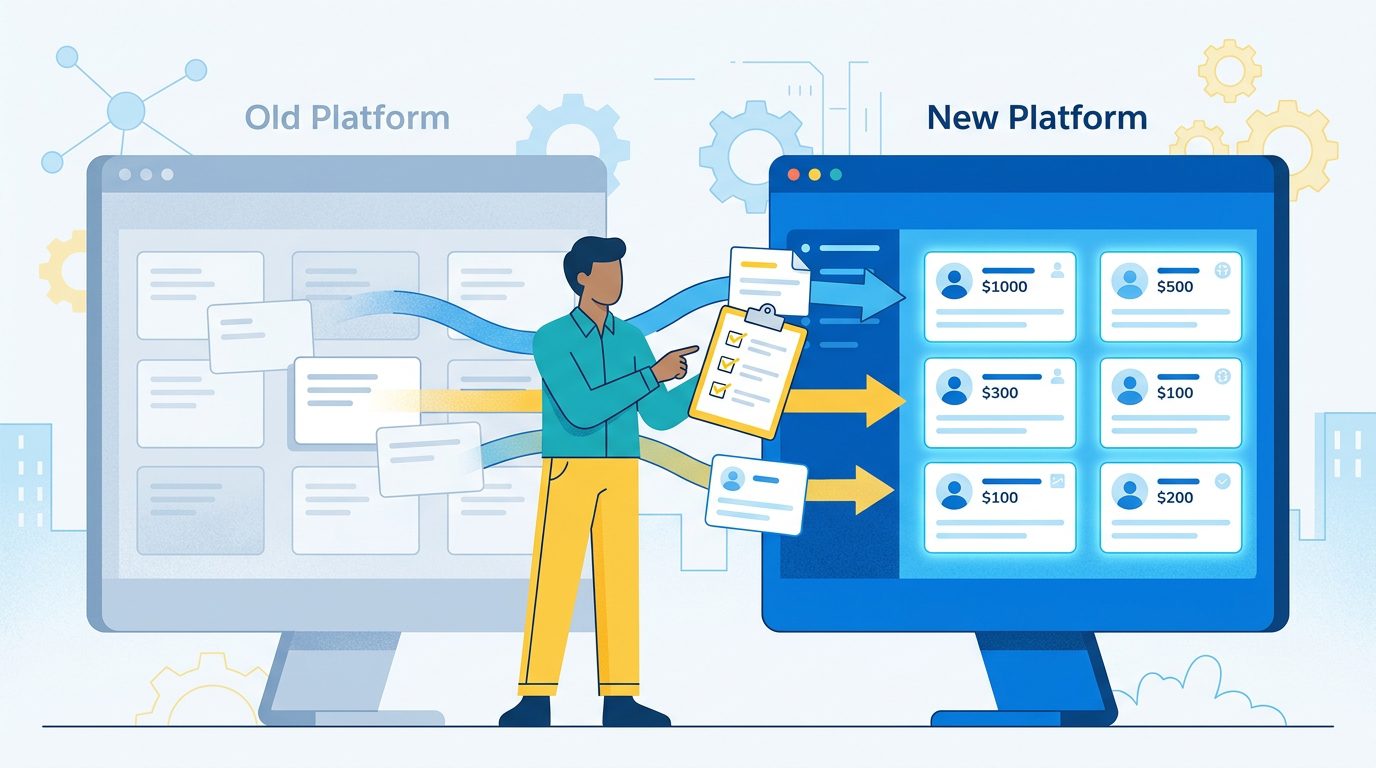
Migration is where most donor management adoptions fail or stall, and almost no buyer guide covers it. The pattern repeats: teams underestimate data cleanup time, the new platform goes live with messy records, retention reporting becomes unreliable, and everyone blames the tool rather than the data.
When to switch
Three signals say you have outgrown your current tool. You cannot produce a donor retention report without manual Excel work. Your team exports data to a spreadsheet to run segmentation the platform should handle. A senior fundraiser refuses to use the system because the workflow is too painful. None of these are technical problems. They are signs the tool no longer fits the work.
Pre-migration data hygiene
Clean the data before the migration, not after. The work to do, in priority order:
- Deduplicate donor records. Same person, multiple addresses, slightly different spellings. Most platforms have deduplication tools, but they work better against clean data going in.
- Standardize field formats. Phone numbers, addresses, and date formats vary across years of data entry. Standardize before export.
- Remove invalid emails and addresses. Bounced emails and returned mail. Carrying them across costs nothing today and confuses every report tomorrow.
- Reconcile pledges and recurring gifts. Open pledges with no payment history and recurring gifts that have actually stopped should be resolved on the old platform.
- Tag major donors and key relationships. Flag the records that matter most so the migration partner pays extra attention to them.
What to ask vendors about migration support
Ask in writing:
- What is the typical migration timeline for an organization our size?
- What format do you require for import (CSV, native export from our current platform, direct API)?
- Do you provide a migration specialist, and is it included or paid?
- What is your post-migration validation process?
- What happens if records are missing after go-live?
A typical timeline for an organization with clean data runs 7 to 14 days. With cleanup, 4 to 8 weeks is more realistic. Any vendor who claims a one-day migration for a database with thousands of records is either oversimplifying or planning to surface the cleanup work after go-live.
Red flag
Any vendor who charges meaningful fees to export your own data is a vendor to avoid. Data portability is a baseline expectation in 2026. Export fees signal a company optimizing for retention through friction rather than product quality.
Getting started with donor management software

Successful adoptions follow a similar early pattern. In the first two weeks, import cleaned data, configure one automated thank-you sequence, and migrate a single active campaign or appeal. In weeks three to six, rebuild the segmentation and reporting that mattered most on the old tool. By month three, the team should have stopped opening the old system.
For broader context on running the fundraising operation that surrounds the tool, see our guides on nonprofit fundraising ideas and how to start a fundraiser. If you are still in the earliest stages of standing up the organization, our guide to starting a nonprofit covers the formation steps that come before the technology choice.
Raklet combines donor management with membership, events, and an embedded mobile community in a single contact record. That fits when your supporter base includes members, attendees, and donors who overlap. If that profile matches yours, you can start free and add features as you grow.
Frequently asked questions
What is the best free donor management software for nonprofits?
Zeffy is the most commonly recommended free option (no platform or transaction fees, funded by donor tips). Givebutter is a strong alternative with a similar revenue model and stronger peer-to-peer support. Donorbox has a free tier with a 2–4% platform fee (depending on transaction type), which becomes the cost driver at higher donation volume. Free is often the right starting point for small nonprofits. Reassess once your program crosses a few thousand donors or you need reporting depth.
How does donor management software differ from a CRM?
A general CRM is built for sales pipelines and customer relationships. A donor management platform ships with a nonprofit data model on day one: donors, gifts, pledges, soft credits, campaigns, appeals, and stewardship workflows. You can adapt a CRM to a nonprofit context, but it requires custom objects and admin work. Purpose-built donor tools save that effort and ship the right reports by default.
What is the average cost of donor management software?
Entry-tier paid plans run $19 to $99 per month for small nonprofits. Mid-market plans cluster around $100 to $500 per month for organizations with several thousand donors. Enterprise platforms run from $500 per month into low five figures monthly for larger operations, with Salesforce NPSP being the notable exception (10 free user licenses, paid extensions). Pricing models vary across per-contact, flat tier, and transaction-fee structures, so total cost is rarely comparable at a glance.
How many donors can I manage with a free tier?
Zeffy and Givebutter do not cap records. Donorbox’s free tier has no record cap but charges a 2% platform fee on donations. The practical limit on free tiers is feature depth, not record count. Once you need advanced segmentation, integrations, or reporting, you will outgrow the free options regardless of how many records sit in the database.
Does donor management software integrate with QuickBooks?
Most established platforms offer a QuickBooks integration, either native or through a partner. Depth varies. Some sync individual donation records as journal entries; others sync a summary only. If accounting integration is critical to your workflow, demo it specifically rather than relying on the marketing checklist. See our nonprofit accounting software roundup for the broader integration landscape.
What is a LYBUNT report?
LYBUNT stands for Last Year But Unfortunately Not This. It lists donors who gave in the previous fiscal year but have not given in the current year. SYBUNT (Some Years But Unfortunately Not This) is the broader version covering any prior year. Both reports drive lapsed-donor recovery campaigns and should be available as standard exports in any serious donor management platform.