

Published May 14, 2021 · Last updated: November 19, 2026
Searching for HOA software is unusually frustrating, and it is not your fault. The same phrase is used to sell at least three different kinds of product, so a board that thinks it is comparing like for like ends up weighing a $15 website builder against a platform that quotes five figures and expects a full-time community manager to run it.
Community associations are not a niche. The Foundation for Community Association Research estimates there are 373,000 community associations in the United States, home to 78.1 million residents. That scale is why so many vendors chase the category, and why the word “HOA” now gets attached to software that has very little in common.
This guide is about making the decision, not about reading a catalogue. It explains the three categories, gives you a checklist to take into a demo, and shows what each tool actually publishes about price. If what you want instead is the long list of vendors, we keep a longer catalogue of HOA management platforms separately.
How the pricing in this guide was checked
- Every number below was read from the vendor’s own live pricing page when we last checked, on August 13, 2026, and is linked so you can confirm it is still current.
- Where a vendor does not publish a price, this guide says “quote only” instead of estimating one.
- No review scores appear here. Review aggregators block automated checks, so any star rating would be unverified.
- Prices change. Treat these as a starting point for your own quote, not as a locked figure.
What HOA software actually is
HOA software is any platform that handles the recurring administrative work of a community association: collecting dues, keeping records of who lives where, keeping governing documents in order, and getting information to residents reliably.
The useful way to split the market is by which side of the association it serves. Some platforms are built for the back office, meaning the accounting, the compliance workflows, and the operational paperwork. Others are built for the residents, meaning communication, directories, payments and events. A few claim both, and the honest ones are clear about which half they do better.
The three categories buyers confuse
Almost every regretted HOA software purchase is a category error rather than a feature error. A 30-unit self-managed association buys a platform designed for management companies and drowns in modules it will never open. A 400-unit association buys a website tool and discovers in month three that it still has no way to run fund accounting.
| Category | Built for | Core strength | Where it falls short |
|---|---|---|---|
| Community association management platforms | Management companies and large self-managed associations | Fund accounting, violations, architectural review, work orders, vendor payments | Priced and scoped for professionals. Usually heavy for a volunteer board of five. |
| Resident communication and website tools | Small self-managed communities | Public and private pages, announcements, documents, simple directories | Little or no real accounting. Often caps out as the community grows. |
| Membership and engagement platforms | Associations that mainly need to reach and bill their people | Dues collection, member directory, email and SMS, events | Not property management. No maintenance ticketing, no violations workflow, no fund accounting. |
Deciding which row you are in before you book a single demo will save you more time than any feature comparison.
How to choose HOA software: seven questions that decide the fit
Take these into every demo and ask them in this order. The first two eliminate most of the market for you.
1. Who actually does the work?
If a professional management company runs your association, the software decision is largely theirs and the platform will be one built for management companies. If a volunteer board runs it, weight the decision heavily toward whatever a new treasurer can learn in an evening. Board turnover is the real constraint on a self-managed community, and a system only one person understands becomes a liability the moment that person moves out.
2. Do you need fund accounting, or just dues collection?
These are not the same thing and the price gap between them is enormous. Collecting dues means taking payments, tracking who has paid, and chasing who has not. Fund accounting means reserve funds, a general ledger, budget variance reporting, and financials your auditor will accept. Many boards say “accounting” when they mean the first, and then pay for the second. If you genuinely need the second, look at dedicated HOA accounting tools rather than assuming an all-in-one covers it.
3. How will your residents actually log in?
Resident adoption is where most HOA platforms quietly fail. Ask to see the resident experience, not the admin dashboard, and ask what happens to the resident who never logs in at all. If a meaningful share of your community will not adopt a portal, you need a platform that reaches people by email and SMS regardless. If a public-facing site matters more than a portal, compare HOA website options before committing to a full platform.
4. What happens to your documents and your history?
Governing documents, meeting minutes, and years of financial history have to move with you. Ask specifically: can we export everything, in what format, and at what cost. A vendor that cannot answer this in one sentence is telling you something.
5. Is the price banded by units or by contacts?
This determines your cost curve for the next five years. Unit-banded pricing tracks the size of the community. Contact-banded pricing tracks how many people you communicate with, which can be higher than your unit count once you include multiple residents per household. Neither is better, but you should know which one you are buying before you grow into the next band.
6. What sits outside the sticker price?
Payment processing fees, implementation, data migration, and per-transaction charges are frequently separate. Buildium, for example, prices eSignatures, EFT transactions, tenant screening and 1099 e-filing as add-ons on top of the plan fee. Ask for a first-year total, not a monthly rate.
7. What does leaving look like?
Ask about contract length, renewal terms, and cancellation before you sign, while you still have leverage. Some vendors run month to month with no cancellation fee, and they will happily tell you so. Others will not raise the subject.
HOA software options and what they publish about price
The table below is not a ranking. It groups the platforms boards most often shortlist by who they are built for, and records what each one actually publishes about cost. Whether a vendor publishes a price at all is genuinely useful information when you are a volunteer treasurer working to a fixed budget.
Tools that publish their pricing
| Platform | Built for | Published price (last checked August 13, 2026) |
|---|---|---|
| HOA Express | Small self-managed communities wanting a site and basic comms | Free plan for basic features. Paid plans start at $15 per month billed yearly at the smallest community size, with a higher tier at $21 per month billed yearly. Price rises with household count. |
| PayHOA | Self-managed associations wanting dues, records and violations in one place | Banded by units, billed yearly: $49 per month for 0 to 25 units, $99 for 51 to 100, $169 for 151 to 200, $249 for 401 to 500. Above 500 units it is $0.55 per unit per month with a $275 monthly minimum. 30-day free trial. Management-company pricing is not public. |
| Buildium | Property management, with a separate association offering | Published property-management plans start at $62 per month (Essential), $192 (Growth) and $400 (Premium). Community-association pricing is not in that public table. Buildium directs associations to call. Several features are billed as add-ons. |
| Raklet | Associations focused on member communication, dues and events | Free plan for up to 100 contacts. Paid plans, billed annually: Essentials $49/mo (up to 500 contacts), Professional $99/mo (up to 1,000 contacts), Premium $399/mo (up to 10,000 contacts). Each tier combines a contact limit with additional feature access; contact add-on packs let you scale within a tier. |
Tools that quote only
Each of the following was checked on its own site and publishes no association pricing at all. That is not a criticism, it is how enterprise community-management software is normally sold. It does mean you cannot budget without booking a call.
| Platform | Built for | What is public |
|---|---|---|
| Vantaca | Management companies and larger associations | Tier names and prices are not published. Demo request only. |
| CINC Systems | Professional management companies | No public pricing. Contact sales for a quote. |
| FRONTSTEPS | Management companies and boards | Modules are named publicly (Caliber, Community, Payments, Manager, Dwelling, ALLi). No prices. |
| Enumerate (formerly TOPS Software) | Community association teams and self-managed associations | Products named publicly (Central, Engage, Numa AI, Financial Services). No prices. |
| Smartwebs | Management companies and self-managed HOAs | Two tiers named (CORE and MAX). No prices. |
| Condo Control | Condos, co-ops and HOAs | Tier names published (Standard, Modern, Premium Living) and banded by unit count, but no figures. |
| AppFolio | Larger property management operations, with a community association segment | Its association page is quote-only and states a 50-unit minimum, which rules out most small HOAs. AppFolio’s general pricing page shows “starting at” per-unit rates for its property-management tiers (Core, Plus, Max), but those are not specific to associations and still require a quote. |
One name to watch out for in older lists
If you are working from an HOA software list written before 2026, check the vendor still exists under that name. TOPS Software is one to watch. Its old domain now issues a permanent redirect to Enumerate, and the destination site sells Enumerate Central, Enumerate Engage and Numa AI. There is no product called TOPS [ONE] on it. Any list still presenting TOPS as a current standalone product you can go and buy is describing a retired brand.
This is worth a minute of your time on every shortlist you inherit. Rebrands, acquisitions and quiet sunsets are common in this category, and an out-of-date list will send you chasing a product that no longer exists.
What HOA software costs
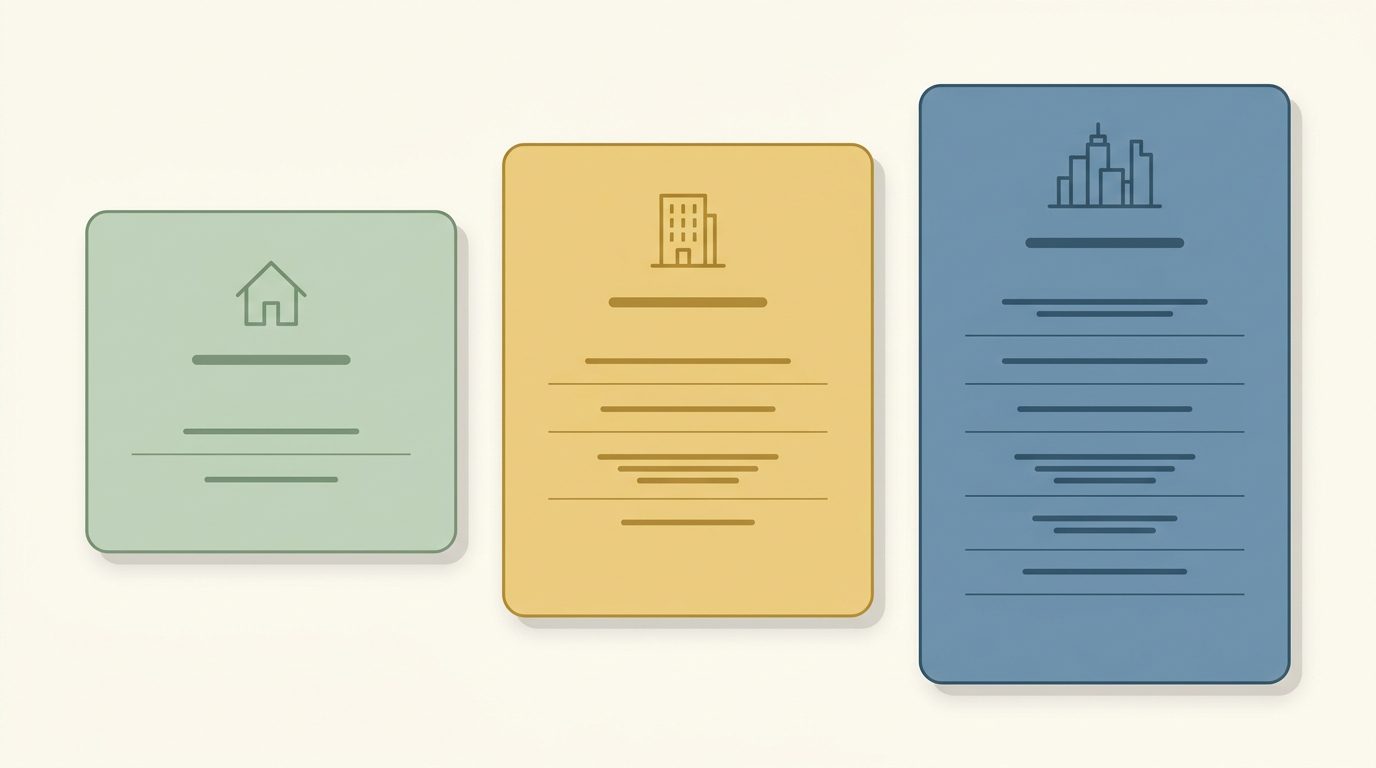
There is no single answer, but there is a reliable shape. Cost tracks how many people or units you have first, and tiers often add features as well. Boards are often surprised by how far size drives the bill: a small association can genuinely run on a two-figure monthly budget, while a large one pays substantially more.
The two banding models look like this in practice. PayHOA bands by units, moving from $49 per month at 0 to 25 units up to $249 at 401 to 500, then switching to $0.55 per unit per month above 500. Raklet’s homeowners association software bands by contacts and features: paid plans are billed annually at $49 per month (Essentials, up to 500 contacts), $99 (Professional, up to 1,000) and $399 (Premium, up to 10,000), with each tier also unlocking additional capabilities. Add-on contact packs let you scale within a tier rather than upgrading. If your community has multiple adults per household who all want their own login and their own emails, contact banding will climb faster than unit banding.
Then there are the costs outside the sticker. Payment processing is usually a separate percentage or per-transaction fee. Implementation and data migration may be one-off charges. Add-on modules are common: Buildium publishes separate charges for eSignatures, EFT transactions, property inspections and 1099 e-filing depending on plan. Ask every vendor for a first-year total including migration and processing, then compare those numbers rather than the headline rates.
One more budgeting note for volunteer boards. Quote-only vendors are not necessarily expensive, but they are structurally harder to plan around, because you cannot compare them until you have sat through a sales call. If your board approves budgets annually and cannot easily reconvene, weight published pricing more heavily than you otherwise would.
Where Raklet fits, and where it does not
Raklet is a membership and engagement platform, not property management software. It does not do maintenance ticketing, violations workflows, architectural review, or fund accounting, so if those are your core requirement you want a community association management platform from the first table instead. What Raklet does handle for an HOA is the member-facing half: collecting dues online, keeping a searchable resident directory, running email and SMS announcements, and managing community events, all from one contact list with a free Raklet-branded mobile app (a custom-branded app under your own name is a separate paid add-on). If that is the half of the job you are trying to solve, see what Raklet does for HOAs and check the current plans and limits, including the free tier for up to 100 contacts.
Frequently asked questions
What is HOA software?
HOA software is any platform that handles the recurring administrative work of a homeowners association, including dues collection, resident records, document storage and community communication. In practice the phrase covers three different product categories: community association management platforms built around accounting and compliance, resident communication and website tools, and membership and engagement platforms. Identifying which one you need is the most important step in the decision.
How much does HOA software cost?
Published prices for small self-managed communities start at free and run to a few hundred dollars per month. Vendors band price by unit count or by contact count, and tiers usually differ in feature access as well as in size. When last checked on August 13, 2026, HOA Express publishes paid plans starting at $15 per month billed yearly, PayHOA starts at $49 per month billed yearly for up to 25 units, and Raklet offers a free tier for up to 100 contacts, with paid plans starting at $49 per month billed annually for up to 500 contacts. Platforms built for professional management companies, including Vantaca, CINC Systems, FRONTSTEPS and Enumerate, do not publish pricing and quote per organisation.
Is there free HOA software?
Yes, at the small end. HOA Express offers a free plan covering basic features for small communities, and Raklet has a free plan for up to 100 contacts. Free tiers realistically cover announcements and a basic directory. They do not cover fund accounting, violations tracking or reserve management, so a larger association will outgrow them.
Do small self-managed HOAs need HOA software at all?
A very small association can run on a spreadsheet and an email list, but it usually stops working at the first board turnover, because the records live in one volunteer’s personal files. The practical argument for software in a self-managed community is continuity rather than efficiency: documents, payment history and resident records survive when the treasurer moves away.
Whatever happened to TOPS Software?
The TOPS Software domain now permanently redirects to Enumerate, whose site lists Enumerate Central, Enumerate Engage, Numa AI and Enumerate Financial Services, with no product named TOPS [ONE]. If you are comparing vendors from an older article that lists TOPS as a current standalone product, that entry is out of date. It is worth re-checking every name on an inherited shortlist for the same reason.