

Welcome to the top 30 WordPress membership plugins. In this guide, we list the best membership plugins for WordPress, both free and paid. By looking at each plugin’s features, price, and user reviews, you can make an informed choice that fits your needs. Whether you want a free membership plugin or a paid solution with lots of features, this guide will help you find what you need.
Last updated: 12 August 2026. Every price below was read off the vendor’s own pricing page or WordPress.org plugin listing on that date, and each one links to the page it came from. Where a vendor blocked our check, we say so instead of quoting an old number. Seven plugins that appeared in the 2023 version of this list have since been discontinued, renamed, or closed for security reasons, and they have been replaced with tools that are still maintained.
Also, we’d like to suggest Raklet, a membership management software that does everything. Raklet makes it easier to handle memberships, fees, and contact with users. It is a complete solution that goes beyond WordPress plugins. Raklet can be a helpful tool for you if you want to learn about a full membership management tool or want to learn more about the subject.
What Is a WordPress Membership Plugin?

A WordPress membership plugin is a tool that adds membership features to WordPress sites and makes them more useful. With these tools, website owners can set up memberships, handle subscriptions, and control who can see certain material. There are a lot of different WordPress membership plugins that fit a variety of needs and budgets.
There are both free and paid choices when it comes to picking the best WordPress membership plugins. Free membership plugins have the basics you need to set up easy memberships and limit access to the material. On the other hand, membership plugins that cost money have more advanced features like multiple levels of membership, automatic payments, and interaction with payment systems.
If you are looking for a free membership plugin for WordPress, you have a few good choices. These apps have a good mix of what they can do and how much they cost. There are also plugins for WordPress called “subscriptions” that make it possible to give services or material based on subscriptions.
In short, WordPress membership plugins add membership features to WordPress websites, making them more useful. There are both the best free membership plugins for WordPress and paid choices that meet different needs. Choosing the right WordPress membership plugin depends on the features you want, how much you want to spend, and how much you want to customize it. If you are starting from zero, our walkthrough on how to build a membership website on WordPress covers the setup steps that come before you pick a plugin.
Why Should You Use a Membership Plugin?
WordPress membership plugins have useful features and functions that can make your website much more useful. By using these plugins, you can successfully limit access to content, make money from your site, control users, and connect to payment gateways without any problems. A WordPress membership plugin is a complete way to create and handle memberships on your website. It has features like exclusive content, multiple ways to make money, strong user management, and safe payment integration. Using WordPress membership plugins and free WordPress subscription plugins is an effective way to make the most of your website and give your members a top-notch membership experience. Here are four reasons to use WordPress plugins:
- Limits on Content and Exclusivity
With a membership app, you can limit who can see certain parts of or information on your website. This feature is especially helpful if you want to give your users exclusive material, like premium content, guides, or tools that can be downloaded. By not letting non-members see your material, you can make it feel exclusive and valuable.
- Monetization Opportunities
Membership apps let you make money from your website by selling memberships or payment plans for a fee. You can make recurring money from your content or services if you decide on different membership levels and price choices. Membership apps give you the tools you need to handle fees and subscriptions easily, whether you’re running an online course, a digital magazine, or a community platform.
- User Management and Engagement
Membership plugins have a lot of features for managing users. You can build and manage member accounts, handle subscriptions, and schedule renewals. They make it easy to stay in touch with your members, send them automatic emails, and keep them interested in what’s new on your website. This helps you build a strong group and keep in touch with your followers over time.
- Payment gateway integration
There are a lot of membership apps that work with popular payment systems. This makes it easy to safely accept payments. Whether you use PayPal, Stripe, or another payment provider, these plugins make it easy to integrate them, so your users can make payments without any problems. If you have not settled on a processor yet, we compare the two most common options in Stripe and PayPal compared.
How Much Does a WordPress Membership Plugin Cost?

When picking a membership plugin, it’s important to think about what your website needs and how much you can spend. Even though a free WordPress membership plugin can be a good place to start, it may not have all the features that paid plugins have. Premium apps often offer more complete solutions and one-on-one support, which can be helpful for membership sites with a lot of features.
The price of a WordPress membership plugin can change based on things like the features it offers, the amount of help it offers, and whether or not it is a free plugin or a paid one. One thing to watch for in 2026: several vendors now advertise a heavily discounted first-year price and renew at roughly double that. MemberPress, MemberMouse, Wishlist Member, and LifterLMS all do this. Budget against the renewal figure, not the sticker. Here’s a rundown of the different price choices you can expect.
Free WordPress Membership Plugins
WordPress has a number of membership apps that are free. These apps have basic membership features and can be a good place to start if you only need to do simple things. Keep in mind that even though these apps are free to use, they may offer paid add-ons or extensions for extra features that may cost money.
Premium WordPress Membership Plugins
Most premium membership plugins have more features, more ways to customize them, and specialized help. Prices for premium plugins can change a lot based on the type of plugin and how it is licensed. Some paid membership apps may charge a one-time fee, while others may use a subscription plan with monthly or yearly payments.
Add-ons and Extensions
Both free and paid membership plugins often come with extra add-ons or extensions that can make the plugin do more. These add-ons may have different prices, and you may need to think about them if your membership site needs certain connections or advanced features.
How to Choose Between WordPress Membership Plugins
Choosing the right WordPress membership plugin means thinking carefully about a number of things. First, think about what you want and need from your membership site. Find out what kind of content you want to limit, how many levels of membership and prices you need, and whether you want to integrate with payment gateways or other services. Requirements differ by sector, and club membership management in particular tends to need attendance tracking and dues renewals that a generic content-restriction plugin will not cover. Once you know what you need, do a lot of research on the free and premium WordPress membership tools that are available. Look for apps that meet your needs and have good reviews from other users. Compare features like the ability to restrict material, accept payments, handle users, and make changes.
In addition to the features, you should also look at how easy the apps are to use. Check out their menus and demos to see how easy they are to use and if they will work with your WordPress site. Think about things like how easy it is for managers and members to use the plugin’s processes. Also, check to see if the app is updated regularly and has ongoing help. Look for tools that have a busy community or help forum where you can get help if you need it. It’s also important to make sure it works with your current WordPress theme and any other important tools you may have loaded. Check to see if the app works well with the payment platforms and other third-party services that you want to use.
Check one more thing before you commit: is the plugin still being maintained? Open its WordPress.org listing and look at the “last updated” date and the “tested up to” version. Three of the plugins on the 2023 version of this list have since been pulled from the plugin directory, one of them for a security issue, and a plugin that stops receiving updates becomes a liability on a site that handles member payments.
Cost is another important thing to think about. Set your budget and compare how the apps on your list are priced. Think about any extra costs you might have to pay for add-ons or extensions that you may need. Asking other website owners, writers, or people in online groups for advice can also be helpful. It also pays to plan your membership site before you pick a plugin, because migrating member records between plugins later is far more work than getting the choice right the first time.
Here’s Top 30 Best WordPress Membership Plugin
1- MemberPress
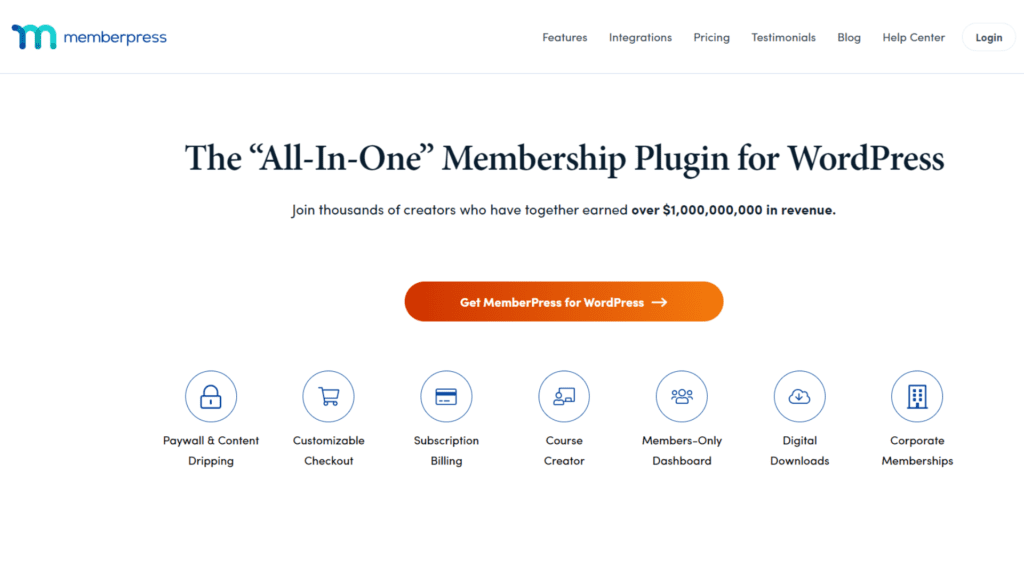
MemberPress is a powerful membership plugin for WordPress that lets you manage accounts, limit access to content, and accept online payments.
Best for: Websites or organizations that want to use WordPress to build and handle material for members or subscription plans.
Key features: Key features include restricting access to certain content, offering flexible membership choices, integrating with famous payment gateways, and controlling access in detail.
Pricing: Three plans. Launch is $199.50 per year, Growth is $349.50 per year, and Scale is $499.50 per year. Those are introductory rates for the first year only, and renewals are at full price. Launch also carries a 4.9% transaction fee, which Growth and Scale remove. (Checked 12 Aug 2026)
2- LearnDash
LearnDash is the best learning management system (LMS) plugin for WordPress. It lets you make and handle online classes. It is now sold by Liquid Web and Nexcess rather than from its old standalone site, so buy it through their software listing.
Best for: Online teachers, companies, and organizations that want to make their e-learning material more accessible and profitable.
Key features: Key features include course building with support for multimedia, recording of progress, quizzes and tests, drip material, and strong reporting and analytics.
Pricing: Three plans. Essentials is $259 per year, Pro is $399 per year, and Elite is $599 per year. (Checked 12 Aug 2026)
3- Restrict Content Pro (now Kadence Memberships)
Restrict Content Pro was a popular membership tool for WordPress that made it easy for site owners to limit access to content and set up different membership levels. It is no longer sold under that name. Liquid Web and Nexcess renamed the plugin to Kadence Memberships in version 4.0.0, and the membership feature set now ships inside the Kadence product tiers instead of as its own licence. Existing Restrict Content Pro installs keep working, but new buyers get Kadence Memberships.
Best for: Websites or companies that want to offer exclusive content or make money from their site and need customizable content limitations and membership control tools, and that are comfortable adopting the wider Kadence ecosystem.
Key features: Key features include content restrictions, different levels of membership, payment methods that are built in, and thorough reporting. The free version on WordPress.org supports Stripe and manual payments; the Pro tier adds PayPal, Authorize.net, Braintree, discount codes, and detailed reporting.
Pricing: The Kadence Memberships plugin is free. The old four-tier Restrict Content Pro ladder that ran from $99 to $499 per year is retired. Membership features now sit in the Kadence Pro plan at $299 per year; the $99 Essentials plan does not include them, and Elite at $499 per year does. (Checked 12 Aug 2026)
4- Paid Memberships Pro
Paid Memberships Pro is a powerful WordPress membership tool that lets website owners build and handle membership sites with flexible subscription options.
Best for: It is best for websites or companies that want to offer paid subscriptions or restricted content and need a lot of ways to handle memberships and customize them.
Key features: It includes customizable membership levels, content restrictions, recurring payments, and interaction with popular payment methods.
Pricing: There is still a free version of the plugin. The paid ladder has moved a long way since 2023: Standard is $499 per year, Max is $999 per year, and Max 2x is $2,999 per year. The old $297 Plus tier is gone. (Checked 12 Aug 2026)
5- WooCommerce Memberships

WooCommerce Memberships is a powerful add-on for the popular WooCommerce plugin that makes it easy to build and handle goods and subscriptions that are based on memberships.
Best for: It is best for online shops or companies that want to sell membership-based goods or packages and give users access to exclusive content or deals.
Key features: It includes integration with WooCommerce, flexible registration choices, restricted content, and automatic emails sent to users.
Pricing: A single site licence is $199 per year, which is unchanged since 2023. A two-year plan is $318.40. (Checked 12 Aug 2026)
6- Ultimate Member
Ultimate Member is a popular membership plugin for WordPress that makes it easy to create and manage user accounts, groups, and membership-based websites.
Best for: It is best for those who want to build a lively online community or social network and need strong user profile management, community features, and flexible participation choices.
Key features: It includes the ability to create and handle user profiles, create registration forms that can be changed, create member directories, limit access to content, and integrate with popular payment methods.
Pricing: The core plugin is free forever. Paid plans are Standard at $276 per year and Pro at $348 per year. (Checked 12 Aug 2026)
7- MemberMouse
MemberMouse is a membership plugin for WordPress that has a lot of powerful tools for handling memberships, payments, and e-commerce transactions.
Best for: It is best for businesses or entrepreneurs who want a complete solution to build and handle membership sites with advanced e-commerce features and flexible price options.
Key features: It includes membership management, content protection, drip content, one-click upsells, and interaction with popular payment systems.
Pricing: The plans are now Basic, Plus, and Pro, priced at $299, $499, and $699 per year. First-year introductory rates of $149.50, $249.50, and $349.50 are usually on offer, with renewals at full price. The old $19.95 per month entry point no longer exists. (Checked 12 Aug 2026)
8- Wishlist Member
Wishlist Member is a powerful membership plugin for WordPress that makes it easy for website owners to build and handle membership sites. It has many features for restricting content and managing members.
Best for: It is suitable for people or businesses who want a flexible and easy-to-use way to build and handle membership sites, online courses, and material that requires a subscription.
Key features: Content restrictions, membership levels, drip content, integration with famous payment gateways, and support for an infinite number of membership levels and content are some of the most important features.
Pricing: The Single Site, Multi-Site, and Developer licences have been retired. The current plans are Basic at $299 per year for 1 site, Plus at $499 per year for 2 sites, and Pro at $699 per year for 5 sites, with first-year introductory rates of $149.50, $249.50, and $349.50. (Checked 12 Aug 2026)
9- s2Member
s2Member is a membership plugin for WordPress that is very flexible and has an extensive list of features to handle content restrictions, membership management, and payments in a smooth way. s2Member gives you the tools you need to create a strong and safe membership experience, whether you run a membership site, sell digital goods, or teach online classes.
Best for: It is suitable for individuals or companies looking for a flexible membership option with strong content protection features, such as digital downloads and paid access to premium content.
Key features: It includes limiting access to certain types of content, being able to add your own features, integrating with popular payment systems, managing members, and being able to accept one-time payments or regular subscriptions.
Pricing: The framework is free. Pro is a one-time payment: $89 for a single-site licence, or $189 for an unlimited-site licence covering multiple domains or a multisite network. Both include lifetime updates. This is one of the few plugins on the list whose 2023 price has not moved. (Checked 12 Aug 2026)
10- ARMember
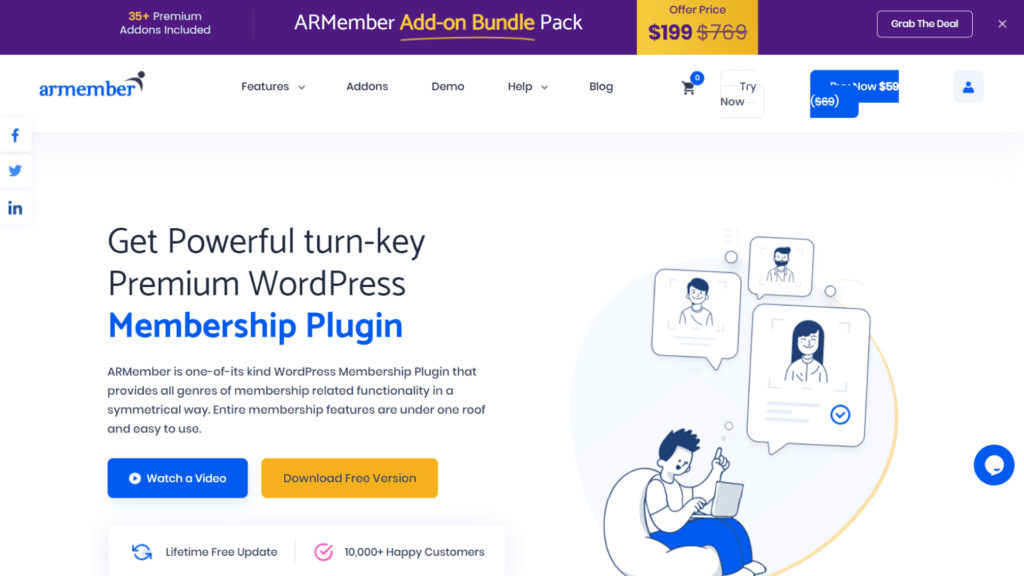
ARMember is a plugin for WordPress that makes it easy to create and manage membership sites. It has a lot of useful features and tools.
Best for: People or businesses looking for a flexible and easy-to-use way to build and run websites with memberships, online communities, or tools for e-learning.
Key features: Key features include limiting access to content, different membership levels, a free tier, a built-in form builder, a connection with a payment method, and advanced tools for managing users.
Pricing: There is a free plan. Annual plans are Standard at $89, Professional at $139, and Enterprise at $299. Lifetime licences are $199, $349, and $599. Entry pricing has come down since 2023, when the cheapest single-site licence was $119. (Checked 12 Aug 2026)
11- WP-Members
WP-Members is a powerful membership tool for WordPress that makes it easy to make and handle membership-based websites. It gives you the tools you need to limit access to material, make your own signup and login forms, and manage user rights and settings for visibility. It is also one of the best free membership plugins for WordPress.
Best for: People or businesses who want a simple, easy-to-use way to set up basic membership systems and limit access to private information on their WordPress websites.
Key features: Key features are limiting access to content, customizing registration and login forms, managing member profiles and user roles, and connecting to famous payment platforms.
Pricing: Free from the WordPress plugin repository. Actively maintained: version 3.5.6, tested up to WordPress 6.9.7, with more than 50,000 active installations. (Checked 12 Aug 2026)
12- Memberful
Memberful is a powerful tool for managing memberships and subscriptions. It works well with WordPress and can help you make money from your digital content and build a strong membership community. With Memberful, it’s easy to set up and control multiple membership levels, offer members-only material, and handle subscriptions and payments that happen on a regular basis. It is a Patreon company.
Best for: It is best for content creators, online course providers, and companies looking for a complete way to sell memberships, subscriptions, and digital goods while keeping full control over their brand and user experience.
Key features: It includes seamless integration with WordPress, customized membership levels, access to content controls, safe payment handling, and effective monitoring and reporting.
Pricing: The Standard plan is $49 per month plus a 4.9% transaction fee, and Enterprise pricing is custom. The $25 per month entry point quoted in 2023 no longer exists, and the transaction fee matters as much as the subscription once your member revenue grows. (Checked 12 Aug 2026)
13- LifterLMS
LifterLMS is a complete learning management system (LMS) tool for WordPress that makes it easy to make and sell online classes, membership sites, and training programs. It has a lot of features, such as the ability to make courses, handle students, track progress, and accept payments.
Best for: LifterLMS is best for educators, teachers, and companies that want a powerful and flexible tool to make, sell, and offer online classes and training programs.
Key features: Key features include the ability to create courses with multimedia support, tools for getting students involved, recording and reporting on progress, membership interaction, and strong e-commerce features.
Pricing: The core plugin is free and includes unlimited courses, memberships, and students. Paid bundles are Earth at $199 per year, Universe at $299 per year, and Infinity at $799 per year. Those are first-year promotional rates and roughly double on renewal. (Checked 12 Aug 2026)
14- Paid Member Subscriptions
Paid Member Subscriptions is a strong WordPress membership plugin that lets you build and handle subscription-based membership sites and limit access to premium material. With this tool, it’s easy to set up different levels of membership, handle member sign-ups and payments, and decide which content members can see based on their membership level.
Best for: It is for website owners and businesses that want a flexible and easy-to-use way to make money from their content, sell subscriptions, and build membership groups on their WordPress sites.
Key features: It includes different levels of membership, content restrictions, customized enrollment, and login forms, interaction with a payment method, and tools for managing users.
Pricing: Priced in euros. Basic is EUR 99 per year, Pro is EUR 169 per year, and Agency is EUR 299 per year. The free tier listed here in 2023 no longer appears on the vendor’s pricing page. (Checked 12 Aug 2026)
15- Restrict User Access
Restrict User Access is a flexible WordPress tool that lets you control who can see what is on your website and what they can see. With this plugin, it’s easy to set up user roles, create unique access rules, and handle permissions so that only allowed users can see certain material or do certain things.
Best for: Website owners, managers, and developers who require a flexible and specific method to restrict access to content, features, or parts of their WordPress site can use it.
Key features: User roles, material restrictions, custom access rules, adjustable approval settings, and support for famous membership plugins are some of the most important features.
Pricing: The core plugin is free from the WordPress plugin directory. Version 2.8, tested up to WordPress 6.8.8, with more than 10,000 active installations. Premium add-ons are sold separately for things like ACF, date, and URL restrictions. (Checked 12 Aug 2026)
16- WooCommerce Subscriptions
WooCommerce Subscriptions is a strong add-on to the WooCommerce app that lets you sell goods and services with subscription-based pricing and regular payments. It works well with your WooCommerce store and lets you offer your customers subscription-based goods, groups, and services that happen regularly.
Best for: Internet businesses and owners of e-commerce stores who want to offer subscription-based goods or services, like monthly subscriptions, membership plans, or regular product orders.
Key features: It includes flexible subscription plans, automatic regular billing, membership management, trial periods, coordinated renewals, and support with different payment platforms.
Pricing: A single site licence is now $279 per year, up from $199 in 2023. A two-year plan is $446.40. (Checked 12 Aug 2026)
17- Profile Builder
Profile Builder is a powerful WordPress tool that makes it easier to set up systems for login and profile control on your website. With Profile Builder, it’s easy to make custom signup forms, collect information about users, and make it easy for users to change their accounts.
Best for: It is best for website owners and writers who want a flexible and easy-to-use way to build and manage login and profile settings on their WordPress site.
Key features: Key features include customized forms for registration, front-end user profile editing, user role management, email alerts, and interaction with popular plugins and extensions.
Pricing: Priced in euros. Basic is EUR 99 per year, Pro is EUR 169 per year, and Agency is EUR 299 per year. (Checked 12 Aug 2026)
18- SureMembers
SureMembers is a content-protection and membership plugin from the SureCart team. It focuses on doing one job cleanly: dropping access groups over your existing pages, posts, courses, and downloads without asking you to rebuild the site around a membership framework. It replaces the duplicate WooCommerce entry that appeared in this slot in the 2023 version of this list.
Best for: Site owners who already have content and a checkout in place and want to add gating on top, rather than adopting an all-in-one membership platform.
Key features: Access groups, drip scheduling, content protection across post types, and integration with the wider SureCart and Astra ecosystem.
Pricing: Starter is $69 per year, Pro is $149 per year, and Business is $199 per year. A Business Lifetime licence is $599 as a one-time payment. (Checked 12 Aug 2026)
19- Sensei LMS
Sensei LMS is Automattic’s course and membership plugin for WordPress. Because it comes from the same company as WordPress.com, Jetpack, and WooCommerce, it tends to stay compatible with core changes longer than most third-party LMS plugins.
Best for: Educators and organizations that want to sell or gate course content and would rather stay inside the Automattic stack than assemble one from separate vendors.
Key features: Unlimited free courses, a certificate builder, quizzes, Learning Mode, interactive lesson blocks, and WooCommerce integration for selling access.
Pricing: Sensei Free is $0. Interactive Blocks is $60 per year, Sensei Pro is $179 per year, and Sensei Agency is $360 per year. (Checked 12 Aug 2026)
20- aMember Pro
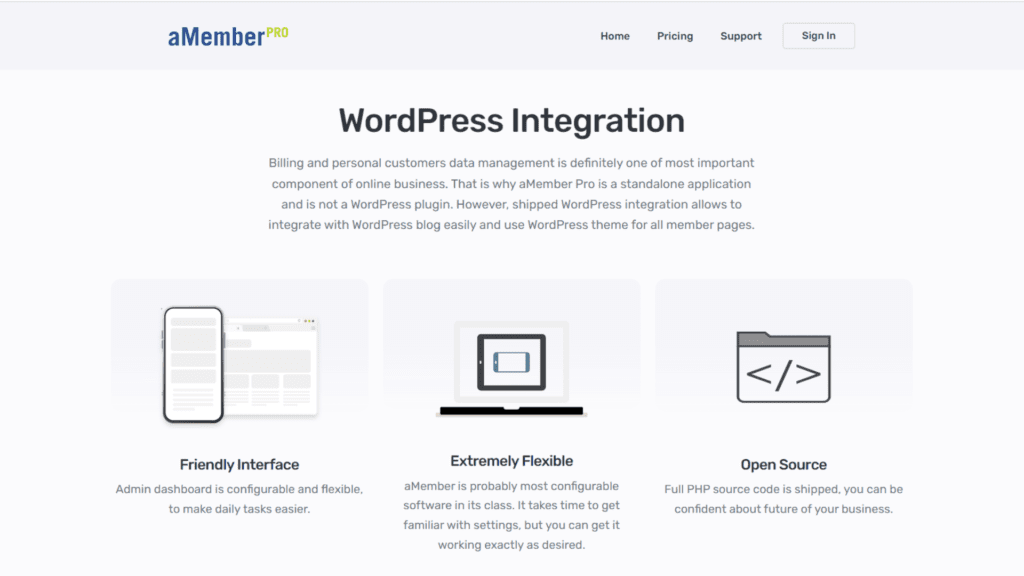
With aMember Pro, you can build and manage membership sites. It is not a free WordPress subscription plugin. It has a full set of tools for managing user registration, content safety, billing on a recurring basis, and more.
Best for: Businesses and individuals who want a strong membership management system to make money from their material, offer subscription-based services, or sell digital goods online.
Key features: It includes letting users sign up and log in, controlling access to content, offering different levels of membership, integrating a payment method, and providing a lot of data and analytics.
Pricing: Licences are one-time payments. A Single licence is $149 for one public installation and includes 6 months of updates and support. Professional is $399 for 5 installations, and Enterprise is quoted on request. Entry pricing has dropped from the $179.95 quoted in 2023, but note the shorter support window. (Checked 12 Aug 2026)
21- Tutor LMS
Tutor LMS is a course and membership plugin with a drag-and-drop course builder and a front-end instructor dashboard. It takes the slot previously held by Membership 2 by WPMU DEV, which was permanently removed from the WordPress plugin directory in May 2019 and should not be installed on a live site.
Best for: Course marketplaces and multi-instructor sites, where several people need to publish and manage their own content without admin access.
Key features: Drag-and-drop course builder, front-end instructor dashboard, quizzes, content drip, membership integration, and reporting.
Pricing: The core plugin is free forever. Pro plans are Individual at $199 per year, Business at $399 per year, and Agency at $799 per year. (Checked 12 Aug 2026)
22- WP User Manager
WP User Manager is a powerful WordPress tool that lets you handle all of your website’s users in one place. It makes it easy to create custom user profiles, handle user registrations, and provide user listings, making it a great choice to create community-driven websites.
Best for: It is suitable for website owners and writers who want an easy-to-use and customizable way to manage user enrollments, profiles, and listings on their WordPress site.
Key features: It includes customizable user profiles, user signup forms, content restrictions, and interaction with popular WordPress plugins and themes.
Pricing: The core plugin is free on WordPress.org, currently version 2.9.18 with more than 10,000 active installations. Paid plans are Starter at $149 per year for 1 site, Plus at $199, Pro at $299, and Agency at $599. Entry pricing has risen sharply from the $79 quoted in 2023. (Checked 12 Aug 2026)
23- UserPro
UserPro is a plugin for WordPress that has a lot of features and makes it easy to build and handle user accounts, member directories, and websites for communities. It has a lot of different features, such as social login integration, user signups, unique profile fields, and content input from the front end.
Best for: It is best for website owners, managers of communities, and writers who want an all-in-one answer for managing users and building a community on their WordPress site.
Key features: It includes interaction with social login, user registration and login forms, member directories, custom biography fields, front-end content submission, and connection with popular plugins and themes.
Pricing: A Regular License on CodeCanyon is $39, unchanged since 2023. The current version is 5.1.11, last updated 3 September 2025. (CodeCanyon item 5958681, checked 12 Aug 2026)
24- WP eMember
WP eMember is a membership plugin for WordPress that makes it easy to build and handle membership sites. With WP eMember, you can secure your content, limit access to certain pages or posts, and give your users different levels of membership. This makes it a way to make money from your website.
Best for: Website owners and business owners who want to manage and build membership sites on WordPress and want a membership plugin that is simple to use and flexible can use it.
Key features: It includes content safety, user registration, membership categories that can be changed, integration with a payment method, and an easy way to handle member profiles.
Pricing: A one-time licence fee, sold direct by Tips and Tricks HQ. We could not confirm the current figure: the vendor’s site refused our automated request when we checked on 12 August 2026, and the $99.95 we published in 2023 is old enough that we would rather remove it than repeat it. Check the vendor’s own order page before budgeting. Note that the same developer also publishes Simple Membership, entry 25 below, which is free and more actively updated.
25- Simple Membership
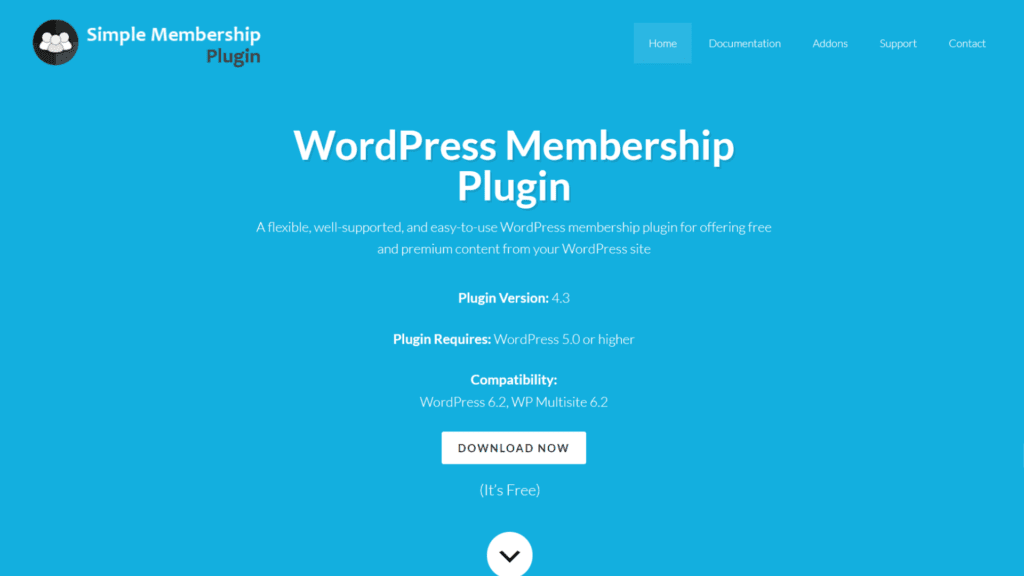
Simple Membership is a plugin for WordPress that makes it easy to build and handle membership sites. It is small and easy to use. It has important features for protecting material, registering users, and managing memberships. This makes it a good choice for beginners or people who want a simple but effective membership solution.
Best for: Website owners and content creators who require a straightforward, user-friendly membership tool for their WordPress site can use it.
Key features: Content security, user registration and login, adjustable membership levels, PayPal interaction, and an easy-to-use layout are some of the most important features.
Pricing: Free from the WordPress plugin directory, with optional paid add-ons. It is one of the most actively maintained free options here: version 4.7.9, tested up to WordPress 7.0.4, with more than 40,000 active installations. (Checked 12 Aug 2026)
26- WP User Frontend
WP User Frontend is a powerful WordPress plugin that lets users make and change posts, handle their profiles, and share content all from the front end of your website. It has an easy-to-use interface for adding and managing content, which makes it a great way to make user-generated content sites, ads, or lists.
Best for: It is best for website owners and administrators who want to let users post and handle content right from the front end of their WordPress site.
Key features: It includes front-end content submission, post management, user accounts, custom form fields, file uploads, and interaction with popular WordPress plugins and themes.
Pricing: There is an always-free tier. Paid licences are now sold as one-time payments with 1 year of updates rather than the annual plans quoted in 2023: Personal $196, Professional $334, and Business $557. (Checked 12 Aug 2026)
27- BuddyPress
BuddyPress turns a WordPress install into a social network with member profiles, groups, activity streams, and private messaging. It replaces User Profiles Made Easy, which held this slot in 2023 and has since been delisted from CodeCanyon.
Best for: Communities where members need to find and talk to each other, not just log in and read gated content. Pair it with one of the paid membership plugins above when you also need to charge for access.
Key features: Extended member profiles, user groups, activity streams, private messaging, member directories, and a large third-party add-on ecosystem.
Pricing: Free and open source, built by a volunteer community. Version 14.5.2, tested up to WordPress 7.0.4, with more than 90,000 active installations. (Checked 12 Aug 2026)
28- MemberSpace
MemberSpace is a hosted membership layer that sits on top of an existing site rather than living inside the WordPress database. You paste a snippet, then choose which pages to lock. It replaces WP Private Content Plus, which was closed on WordPress.org in August 2025 because of a security issue and should be removed from any site still running it.
Best for: Owners who want members and payments handled off-site, or who run more than one platform and do not want membership logic duplicated in each.
Key features: Page-level gating, hosted member accounts and checkout, multiple membership plans, and support for WordPress alongside Webflow, Squarespace, Duda, and others.
Pricing: Starter is $24 per month billed annually ($39 month to month), and Growth is $99 per month billed annually. Because it is hosted, this is a subscription rather than a licence, so compare it against annual plugin costs over a three-year horizon. (Checked 12 Aug 2026)
29- Members
Members is a roles and capabilities editor with content restriction built in, published by the MemberPress team. It is the tool you reach for when the problem is not billing but permissions: who can edit what, and which logged-in roles can see which posts. It replaces WP-Markdown, which appeared in this slot in 2023 and is not a membership plugin at all.
Best for: Sites with several editor or contributor roles, and anyone who needs granular capability control alongside a separate payments plugin.
Key features: Role editor, capability management, per-post content permissions, multiple roles per user, and a private site mode. All add-ons are included at no cost.
Pricing: Completely free, including every add-on. Version 3.2.26 with more than 300,000 active installations, which makes it the most widely installed plugin on this list. (Checked 12 Aug 2026)
30- WP Fusion
WP Fusion connects your membership plugin to a CRM or marketing platform, so a sign-up, upgrade, or cancellation on the site updates the contact record automatically. It replaces WP Symposium Pro, which was permanently closed on WordPress.org in September 2022.
Best for: Membership sites that already run email marketing or a CRM and are currently syncing member data by export and import.
Key features: Two-way CRM sync, tag-based content restriction, integrations with most of the membership and LMS plugins on this list, and automated enrollment or revocation based on CRM tags.
Pricing: WP Fusion Lite is free. Paid plans are Personal at $297 per year, Plus at $427 per year, and Professional at $647 per year. (Checked 12 Aug 2026)
Plugins We Removed From This List
Seven entries from the 2023 version of this article are gone. If you arrived here from an older copy of this list elsewhere on the web, here is what happened to them and what to use instead.
- WP Private Content Plus. Closed on WordPress.org on 5 August 2025, with the reason given as a security issue. Do not install it. If it is already on your site, remove it. See entry 28.
- Membership 2 by WPMU DEV. Permanently closed on WordPress.org on 7 May 2019 at the author’s request. See entry 21.
- WP Symposium Pro. Permanently closed on WordPress.org on 11 September 2022 at the author’s request. See entry 30.
- User Profiles Made Easy. Its CodeCanyon listing no longer resolves. See entry 27.
- WP-Markdown. A Markdown editor, not a membership plugin. Last released in 2017 and untested against recent WordPress versions. See entry 29.
- “WooCommerce Membership” as a separate product. It was the same plugin as WooCommerce Memberships, counted twice. See entry 5.
- “WP-Member” as a separate product. No such plugin exists. It was a mangled duplicate of WP-Members, entry 11, and the price we quoted for it was not verifiable.
Restrict Content Pro, entry 3, is a fifth case: still supported, but renamed to Kadence Memberships and no longer sold on its own terms.