

Last Updated: April 2026
Key Takeaways
- Membership management software handles the full member lifecycle (joining, dues, renewals, events), replacing spreadsheets and disconnected tools.
- The five must-haves for nonprofits: online dues with auto-renewal, member self-service portal, event management with payment, segmented email, and basic reporting.
- Total cost matters more than list price: add payment processing fees (typically 1.9–3.5% per transaction), data migration costs, and any per-member overages.
- Ask vendors to demo their renewal failure workflow. Platforms that treat failed payments as manual tasks will cost your team hours every month.
- Budget tier ($0–$99/mo) covers most nonprofits under 500 members; mid-tier ($100–$500/mo) works for 500–5,000 members.
Search for membership management software for nonprofits and you typically find pages of “15 best tools” lists, many of which are published by the vendors selling those tools. That is not a buyer’s guide. That is a sales pitch formatted to look like one. (what is an AMS) (donation acknowledgment letter)
According to the 2025 Membership Marketing Benchmarking Report by Marketing General Incorporated, 51% of associations report membership gains over the past five years. Most organizations managing that growth efficiently are using dedicated software. But picking the wrong platform, or paying for features a 200-member nonprofit will never use, is an expensive mistake to undo.
This guide does something different: it explains what membership management software does, which nonprofit CRM features to prioritize, how to evaluate vendors before you commit, and what fair pricing looks like at different scales. By the end, you will know exactly what questions to ask any vendor and which answers should end a demo call early.
What Is Membership Management Software for Nonprofits?
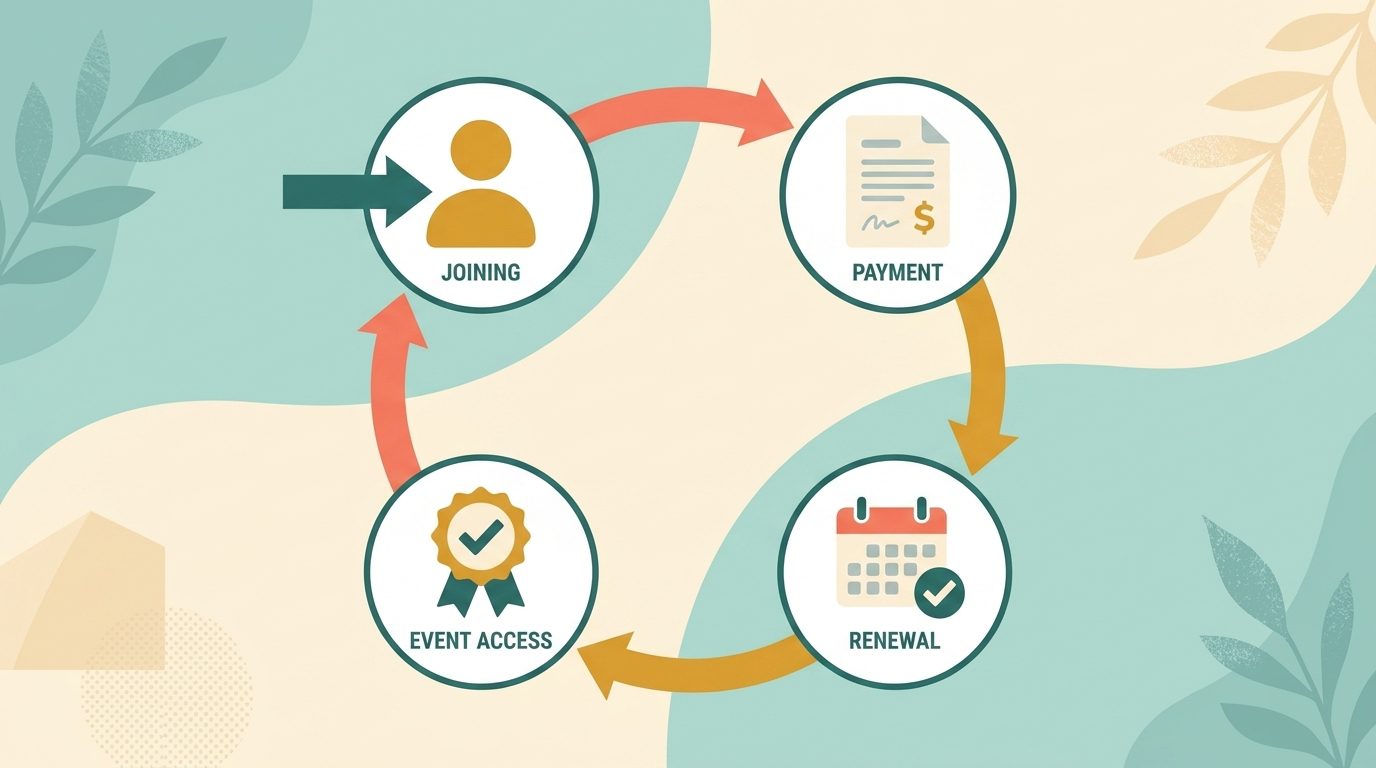
Membership management software is a platform that handles the full lifecycle of a nonprofit’s members: joining, paying dues, renewing, attending events, and staying engaged over time. It replaces the combination of spreadsheets, email tools, and manual invoicing that most organizations start with and eventually outgrow.
Unlike a general CRM designed for sales pipelines, membership software prioritizes the recurring lifecycle: dues cycles, renewal automation, membership tier management, self-service portals, and event check-in. Those nonprofit-specific workflows (not contact records or deal stages) are what you are paying for.
It also differs from a full association management system (AMS), which is typically built for large professional associations with chapters, credentialing programs, and complex governance. Most small to mid-size nonprofits do not need an AMS. They need membership software purpose-built for the 50 to 5,000 member range.
5 Features Nonprofits Actually Need (and 3 They Usually Don’t)
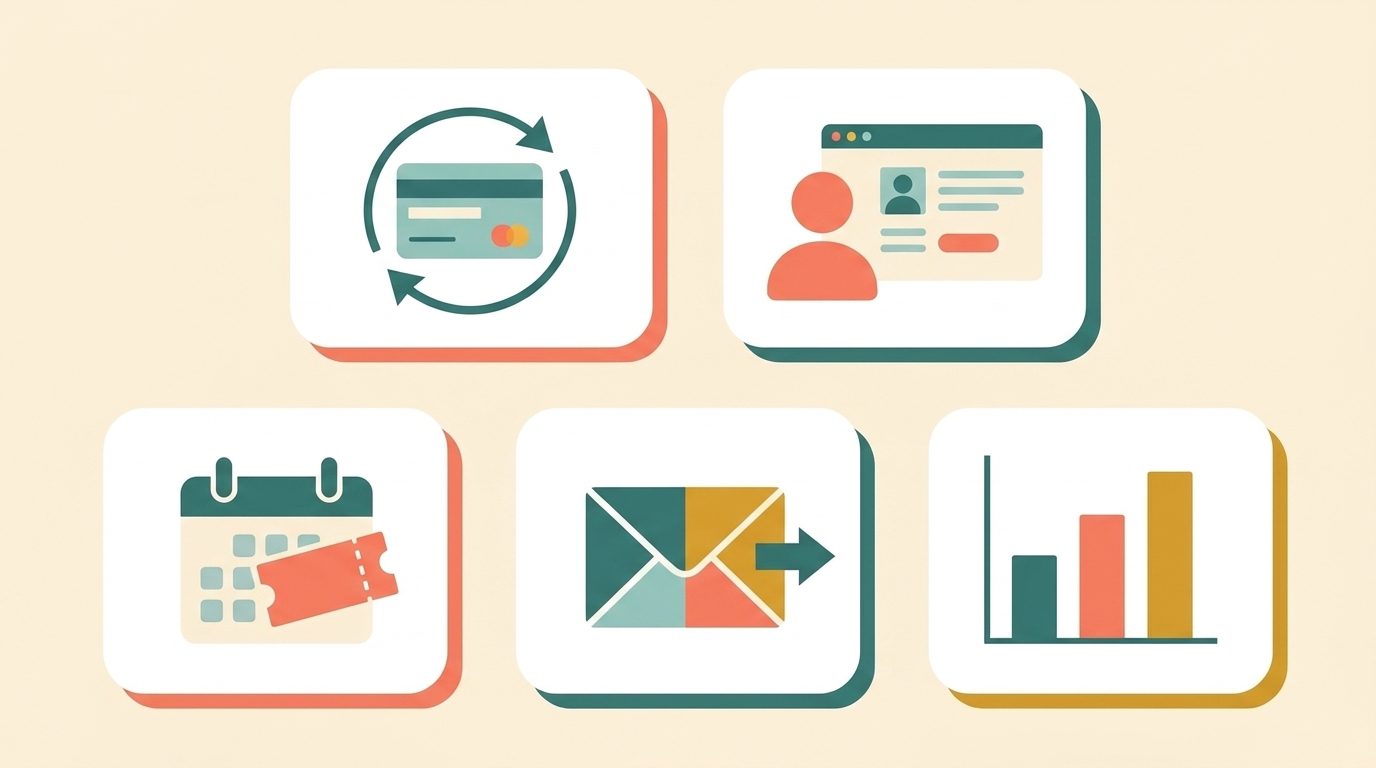
Every vendor leads with a feature checklist. Here is how to read that list honestly.
Must-Have Features
Online dues collection with auto-renewal. Members should be able to join, pay, and renew entirely online without contacting staff. Auto-renewal by default (with opt-out, not opt-in) dramatically reduces the manual work of chasing renewals. The platform should also handle PCI compliance on its end: payment data security should be the processor’s responsibility, not your IT volunteer’s. If a platform buries auto-renewal or PCI-compliant processing behind a separate add-on, that is a warning sign worth probing in your demo.
Member self-service portal. Members update their own contact details, download receipts, manage their subscription, and see their event history without emailing your team. This is typically essential once you pass 100 members.
Event management with integrated payment. Your nonprofit runs events. The software should handle registration, ticketing, capacity limits, and payment in one place, not require a separate Eventbrite account and manual reconciliation.
Email communication. Targeted email by membership tier, renewal status, or event attendance. It does not need to be a full marketing automation platform, but it does need to segment by membership data natively.
Basic reporting. Member counts by tier, renewal rates, dues revenue by month. If a platform cannot generate these in under 30 seconds, your staff will stop using it.
Features Most Small to Mid Nonprofits Do Not Need Yet
Fundraising and donation tools. If your organization already uses a dedicated platform like Bloomerang, Salesforce Nonprofit, or Classy for fundraising, adding a second system that also handles donations creates data chaos. Do not pay for fundraising features twice unless you are specifically consolidating platforms.
Job boards or member directories. Genuinely useful for professional associations such as law firms or HR networks. For a neighborhood organization, sports club, or alumni group, these are rarely used features that inflate the subscription price.
Advanced analytics and BI dashboards. Useful at scale. At 200 members, you need a renewal rate report, not a cohort retention funnel with 12 dimensions.
How to Evaluate Membership Management Software: 4 Questions
The goal of a vendor demo is not to watch a presentation. It is to get answers to four specific questions that most buyers never ask directly.
1. What is the actual total cost per member per year?
List price is rarely the real price. Add up: monthly subscription, payment processing fees (typically 1.9 to 3.5% plus $0.30 per transaction), setup and data migration costs, and any per-member overage fees that kick in when you grow past a tier. A platform priced at $49 per month that charges $0.50 per active member becomes expensive quickly as your membership grows.
Ask every vendor for a total cost estimate at your current member count and at twice your current count. If they resist giving you a real number, that resistance is the answer.
2. Does it match your specific membership model?
Nonprofits have diverse membership structures: individual members, family memberships, organizational members, lifetime members, tiered benefits. Ask the vendor to show you, live and not on a slide, how your specific structure works in their system. The more complex your tiers, the more this matters in practice.
3. How does renewal automation work, and what happens when a payment fails?
This is where most platforms have hidden friction and where almost no competitor article tells you to dig. Ask the vendor to demonstrate: What happens when a member’s card declines? How many retry attempts does the system make automatically? What does the lapse sequence look like? Who has to intervene manually, and at what point?
A platform with strong renewal automation can dramatically reduce staff time on dues collection. A platform that treats failed renewals as manual tasks will cost your team hours every month, every renewal cycle, indefinitely.
4. What does member self-service look like on a phone?
Ask the vendor to pull up the member portal on a mobile device, not a desktop, and navigate through it as a member would. Can a member who is not technically confident update their contact details and renew their membership without calling your office? If the answer is no, your support volume will be permanently high.
AoEA: A Practical Example

The Association of Education Advisers (AoEA) was managing memberships across disconnected platforms (spreadsheets, a separate event tool, and a standalone email system) before switching to Raklet. The transition centralized member data, automated renewal reminders, and gave administrators clear visibility into member activity they had previously needed to piece together manually across multiple systems.
The result was predictable for any organization making this move: staff time shifted from administration to strategy, member participation in events increased as access improved, and retention improved through automated follow-up. See the full AoEA case study for the specifics.
Membership Management Software Pricing: What to Expect
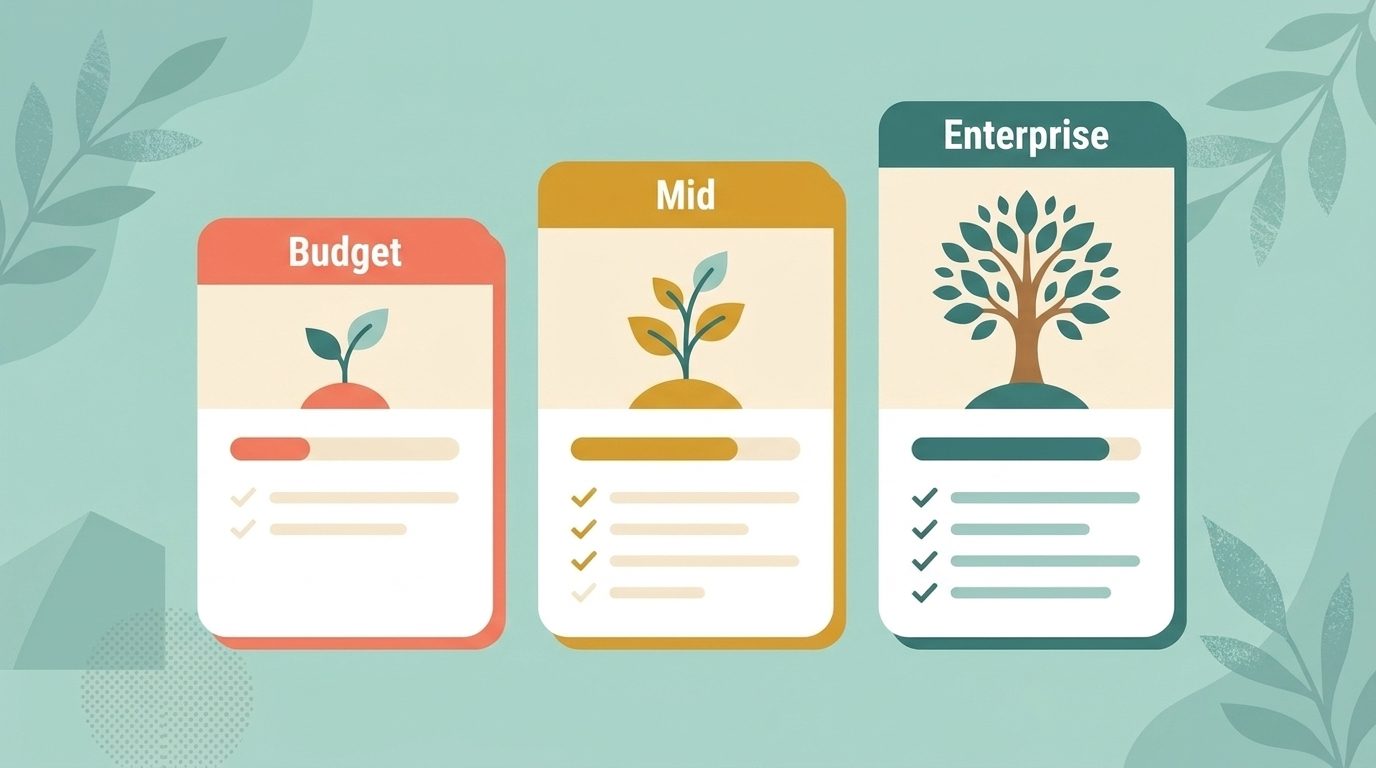
Pricing has three real tiers, regardless of what vendors call their plans.
Budget tier ($0 to $99 per month): Suitable for nonprofits with under 300 to 500 members. Includes basic dues collection, member records, and event management. Raklet offers a free tier; other options in this range include Join It and basic WildApricot plans. Expect to trade some automation for affordability. Nonprofits may also be eligible for discounted software through TechSoup, which partners with vendors to offer nonprofit-specific pricing.
Mid-tier ($100 to $500 per month): Suitable for 500 to 5,000 members. Full renewal automation, more sophisticated event tools, better reporting. WildApricot, Neon CRM entry plans, and Raklet’s paid tiers sit here. The price difference between providers at the same member count can be significant; compare total annual cost, not just the monthly subscription.
Enterprise (negotiated pricing): Large national associations with chapter structures, credentialing programs, or complex governance. This is where true AMS platforms operate. If your nonprofit is in this category, you are running a formal RFP process, not a Google search.
Budget for hidden costs: data migration ($500 to $3,000 depending on your current system’s cleanliness), per-transaction payment processing on top of the subscription fee, and staff onboarding time. Plan for one to two months of parallel running before a full cutover.
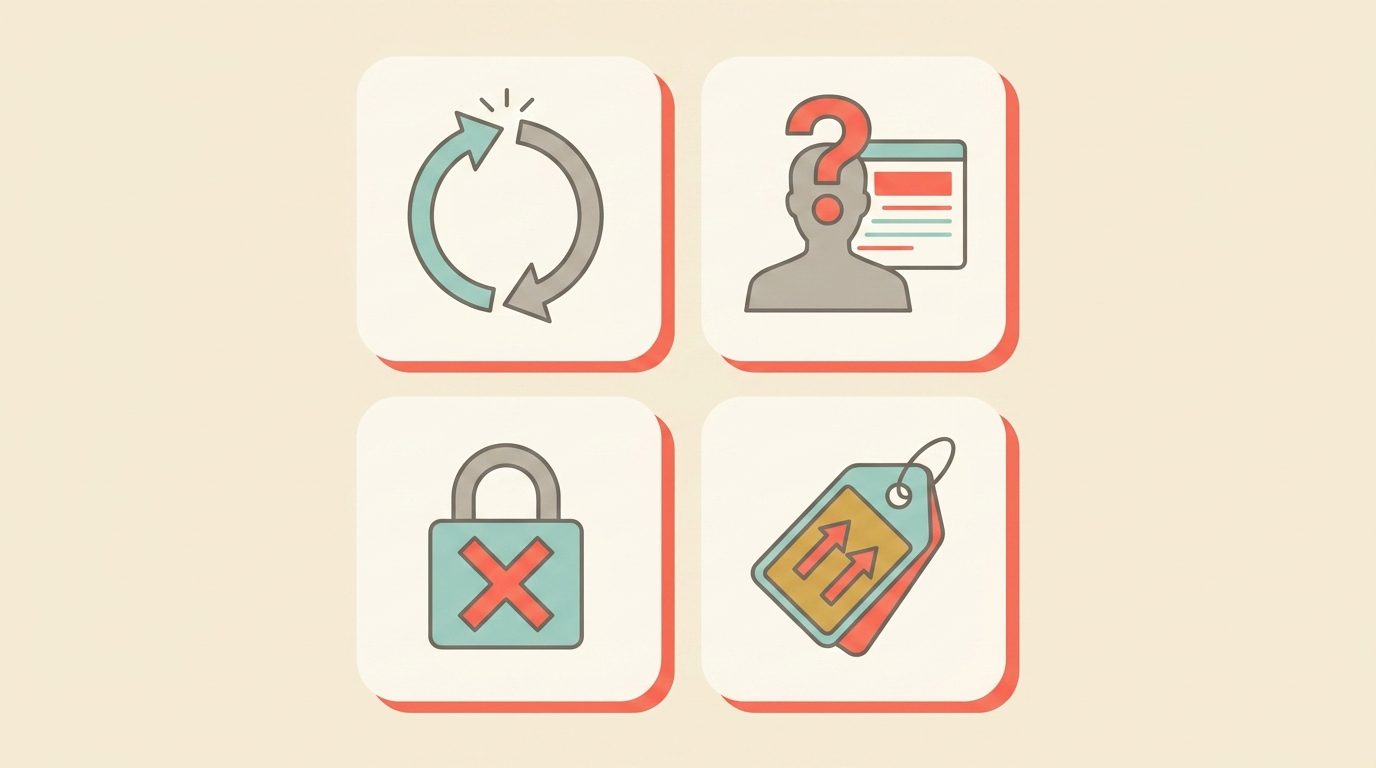
4 Warning Signs That Should End a Demo Early
Pro tip: Before migrating to any new platform, do a data scrub first. Importing 500 duplicate contacts or dead email addresses will break your renewal automation before you have even started. Export your current list, deduplicate it, and remove anyone who has not engaged in three or more years. A clean import saves hours of troubleshooting in your first renewal cycle.
Most vendor demos are designed to show you what works. Here is how to surface what does not.
They cannot show you the renewal failure workflow. Ask them to demonstrate what happens when a payment fails. If the answer is “we send an email,” ask what happens next: retry schedule, grace period, automatic lapse, manual follow-up required. If they cannot show you this live, that workflow does not exist in a useful form.
The member portal requires training to use. If a vendor says “members usually reach out to their admin for the first login,” that is a product problem, not a setup issue. A well-designed portal is self-evident to a non-technical member on a first visit.
Data import is “coming soon” or “we can help with that.” You will need to import your existing member data. If that process is unclear, manual, or requires expensive professional services, factor that into your decision or walk away.
Pricing changes based on features you have not asked about. If the price on your screen increases every time you ask about a basic capability (custom membership tiers, multiple payment methods, automated renewal emails), you are looking at a platform designed to upsell, not one designed to deliver value at its listed price.
How Raklet Supports Nonprofit Membership Management
Raklet is a membership platform used by nonprofits, alumni associations, professional communities, and clubs. It covers the core workflows nonprofits need: online dues collection with auto-renewal, a member self-service portal, event management with ticketing and payment, and targeted email by member segment. Organizations like the Association of Education Advisers (AoEA) have used it to replace disconnected manual systems and reduce administrative overhead across renewals, events, and member communications.
Raklet offers a free plan for smaller organizations and paid plans that scale with member count rather than gating features behind higher tiers. See how Raklet works for nonprofits or book a free demo to walk through the platform with your specific membership model.
Frequently Asked Questions
What is the best free membership management software for nonprofits?
Several platforms offer free tiers, including Raklet, Join It, and WildApricot’s trial. The right free option depends on your member count, how complex your dues structure is, and whether you need event management included. Nonprofits should also check TechSoup for discounted or donated software from vendors who partner with the platform. Most free plans trade automation depth for zero cost; useful for smaller or newer organizations, but worth re-evaluating as your membership grows.
How much does nonprofit membership software cost?
Expect $0 to $99 per month at the budget tier (under 500 members), $100 to $500 per month at the mid-tier (500 to 5,000 members), and negotiated pricing above that. Always add payment processing fees (typically 1.9 to 3.5% per transaction) and any data migration costs to your total estimate. Two platforms at similar list prices can have meaningfully different annual costs depending on transaction volume and per-member overage fees.
Can a nonprofit use a spreadsheet instead of membership software?
Yes, and many small organizations start this way. A spreadsheet works adequately for under about 50 members with simple dues and no events. The breaking point is typically renewal tracking: when a meaningful portion of your member list is in various stages of lapsed, renewed, or pending, a spreadsheet becomes a manual full-time task. Online dues collection and auto-renewal alone typically justify dedicated software at 75 to 100 active members.
What is the difference between membership management software and a CRM?
A CRM is built around contacts and sales pipelines. Membership software is built around member records, dues cycles, renewal automation, and event management. Those nonprofit-specific workflows are either absent from general-purpose CRMs or require expensive customization to support. For nonprofits with active membership programs, purpose-built membership database software is typically a better fit than adapting a CRM to do the job.
What is the difference between membership software and an AMS?
An association management system (AMS) is built for large professional associations with chapter structures, credentialing programs, and complex governance. Most small to mid-size nonprofits do not need an AMS. If your organization has under 5,000 members and does not run chapter governance or professional certification programs, membership management software will cover your needs at a fraction of the cost and implementation time.