
Last Updated: October 2026
If you searched for membership database software, the top results are written by vendors selling the tools they recommend. That makes neutral comparison hard to find. This guide takes a different approach. We profile seven tools (including Raklet) with consistent structure, honest tradeoffs, and an explicit “not for you if” line per tool, so you can match a platform to your organization rather than the other way around.
The category is shifting quickly. AI adoption among associations jumped from 18% to about 31% in a single year, according to the MGI 2025 Membership Marketing Benchmarking Report (in approximately 500 associations). Tools are bifurcating into two camps: those shipping concrete AI features (named Copilots, engagement scoring, predictive churn) and legacy platforms whose roadmaps have effectively frozen. A buying decision in 2026 should account for that gap.
What is membership database software?
Membership database software is a centralized platform for storing, managing, and automating member records, dues, communications, and renewals. It is distinct from a general CRM (which is built around sales pipelines) and from a spreadsheet (which has no automation, no payment rails, and no audit trail). In the association world, the same category is often called an association management system (AMS). Throughout this guide we use the two terms interchangeably.
A purpose-built membership database typically handles five jobs that a spreadsheet cannot: structured member records with custom fields, online dues collection with automated reminders, a self-service member portal, segmented communication, and reporting on retention and engagement. Most associations report a median renewal rate of 84% (MGI 2025), and a meaningful share of that comes from automation that a manual workflow simply cannot replicate.
Membership database software vs. spreadsheets: when to make the switch
Spreadsheets work fine at small scale. They become a liability fast. The question is when, not whether, to upgrade.
| Dimension | Spreadsheet | Membership database software |
|---|---|---|
| Member count | Workable under 100 | Designed for 100 to 50,000+ |
| Renewals | Manual reminders, manual tracking | Automated reminders, online payment, audit log |
| Payments | External tool, manual reconciliation | Integrated, reconciled to member record |
| Reporting | Pivot tables, error-prone | Built-in dashboards, exportable |
| Data integrity | One bad sort, one bad merge | Field validation, role-based access |
Three concrete signals tell you it is time to switch:
- You have crossed roughly 100 active members and renewals are slipping.
- You are collecting dues online and reconciling payments to members by hand.
- More than one staff member or volunteer needs access to the same member data at the same time.
If you are not at that point yet, our walkthrough on how to create a membership database in Excel covers the spreadsheet stage in detail, including the structural shortcuts that will make the eventual migration painless.
Types of membership databases
“Membership database” covers four quite different setups. Most organizations move through them in roughly this order as they grow, so it helps to know which one you are actually evaluating.
| Type | What it is | Works best for | Main trade-off |
|---|---|---|---|
| Spreadsheet (Excel, Google Sheets) | A shared file with one row per member | Under about 100 members and a single administrator | No automation, no link to payments, weak access control |
| General-purpose database or CRM (Airtable, HubSpot) | Flexible tables and views; you build the membership logic yourself | Teams with a technical volunteer or staff member | Renewals, dues and a member portal have to be assembled from integrations |
| Open-source membership software (CiviCRM, Tendenci) | Self-hosted software you install and maintain | Organizations with in-house technical capacity | No licence fee, but hosting, updates and security are your responsibility |
| All-in-one membership platform | Hosted software combining member records, dues, events and communications | Most associations, clubs and nonprofits past about 100 members | A recurring subscription and some lock-in, so check the data export before you sign |
The rest of this guide focuses on the last category, because it is where most organizations land once renewals and payments outgrow a spreadsheet.
What to look for: 7 features that matter
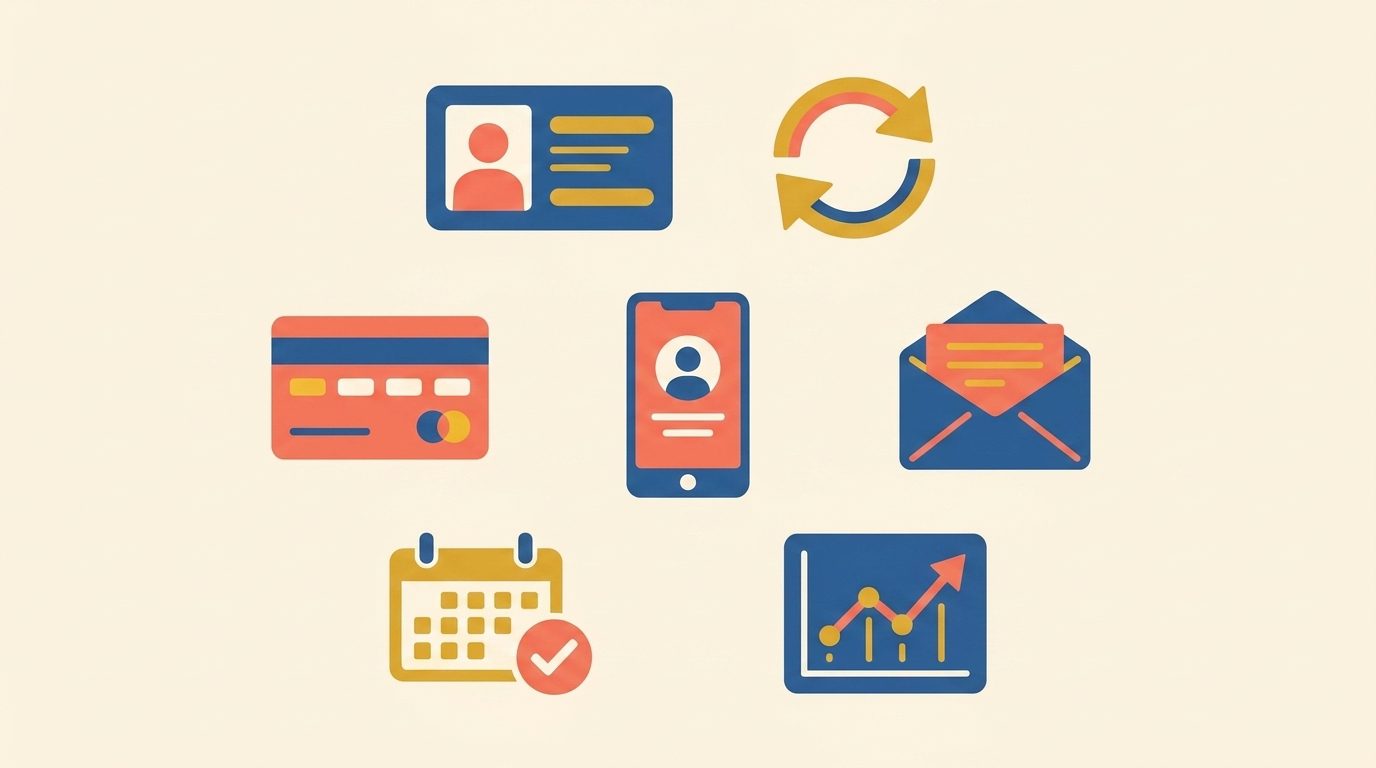
Most vendor checklists run 30 features long. In practice, buyer decisions hinge on seven of them. The rest are either standard across every modern platform or features that look good in a demo but rarely shape day-to-day work.
- Member database with custom fields. “Flexible” in marketing copy means custom fields exist. Confirm three things: how many custom fields the plan allows, whether you can change a field type after data exists, and whether custom fields are searchable in reports.
- Online renewals and automated reminders. The default non-automated state costs associations real retention. That same 84% median renewal rate from the MGI report is hard to hit without the kind of automation purpose-built software provides; manual workflows tend to leak the long tail of late renewers. Look for sequences (not just a single reminder) and the ability to pause for paid-through dates.
- Online payment processing. Two costs to separate: the payment processor’s fee (Stripe and most gateways charge a percentage plus a flat per-transaction fee, e.g., 2.9% + $0.30) and the software vendor’s cut on top. Some platforms add their own 3% to 5% on every member payment in addition to the processor fee; others pass through the processor rate without an extra cut. Always ask which model the vendor uses before signing.
- Member portal and self-service. A portal that lets members update their own profile, download a receipt, and renew without staff intervention is often the largest single source of admin-time savings for small teams. It also correlates with higher renewal rates.
- Communication tools. Email is non-negotiable, but the differentiator is segmentation: by tier, by lapsed status, by event attendance, by interests. Generic broadcast email lists are a sign the platform is behind.
- Event management integration. Trade and professional associations run events that drive a meaningful share of revenue. Native event registration, tiered pricing, and check-in flow matter more here than in nonprofit fundraising contexts.
- Reporting and export. Ask “who owns my data?” before signing. Confirm CSV and API exports of every record type, not just member contacts. Migration risk is real, especially for tools acquired by private equity (more on that below).
This category is also called membership database management software in some buyer queries; the feature checklist is the same.
Pricing models explained (before we list tools)
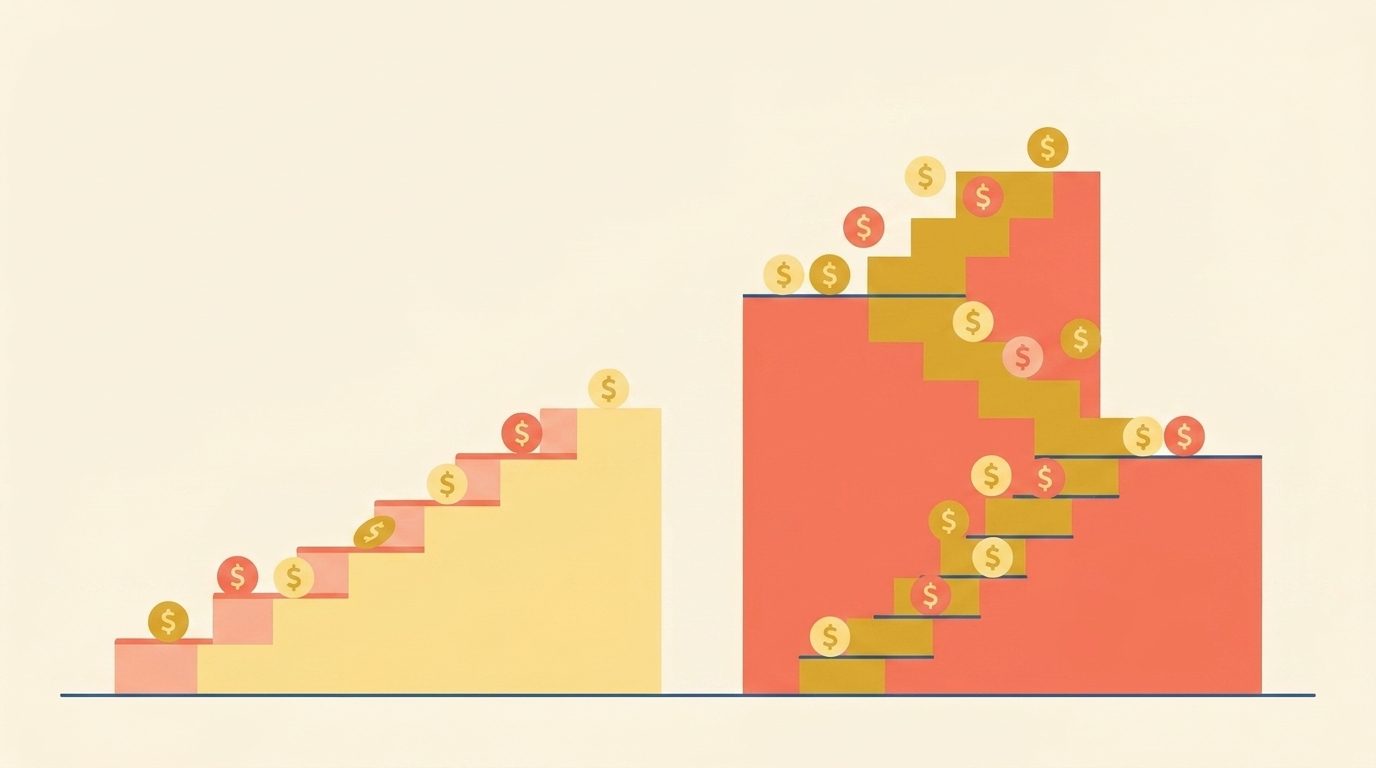
Three pricing models dominate the category, and the differences are not cosmetic.
- Per-contact / per-member. Cost scales with your member count. Wild Apricot, MemberClicks, and Neon CRM use variants of this. The risk is the “growth penalty”: a tool that is affordable at 200 members can cost three to five times as much at 1,000. Always ask the vendor for a quote at 2x and 5x your current size before signing.
- Flat-rate tiers. Predictable. Join It and Raklet use variants of this (Raklet’s tiers are set by contact limit and features, with add-on contact packs between tiers). You know what you will pay at the next size class, which makes budgeting easier and removes the disincentive to grow your member base.
- Free with transaction model. Zeffy is the canonical example: $0 software, voluntary tips at checkout. Works well for high-volume nonprofit transactions; less well for clubs and trade associations whose members will see the tip prompt every time.
- Custom enterprise quote. GrowthZone, iMIS, and Glue Up do not publish pricing. Expect a discovery call and a quote sized to your member count, integrations, and onboarding scope.
If you are starting from a tight budget, our free membership management software guide covers the “$0 with trade-offs” options including Zeffy in more depth.
The PE acquisition risk no vendor will tell you about
Wild Apricot and MemberClicks are now owned by Momentive Software, a portfolio company of K1 Investment Management. Pricing has increased post-acquisition, and the product roadmap on both platforms has been described by long-time users as effectively frozen. This is not a knock on the people building the products; it is a common pattern in late-stage PE ownership of vertical SaaS, and worth pricing into a five-year decision. If your shortlist includes any tool acquired in the last five years, ask the vendor two questions: what major features have shipped in the last 12 months, and what is your data export process if we leave? The answers will tell you more than the demo will.
Per the 501Works AMS/CRM Selection Survey 2023 (n=241), 51% of associations switching AMS platforms cited “legacy platform became insufficient” as the reason. That number tells you switching is normal, not a sign of poor planning. The iMIS 2025 Membership Performance Benchmark (n over 200) found that more than 65% of associations are actively investing in new membership management software, which is the highest figure in the report’s ten-year history.
From migrations we have run with Raklet customers, the most common point of failure is not the import itself; it is underestimating the time needed to clean the existing data. As a working rule, budget at least one full day of staff or volunteer time per 500 members on the source list, before any import begins, to deduplicate records, fix inconsistent date formats, and reconcile fields that grew organically in a spreadsheet. Vendors that quote a six-week implementation usually assume your data is already clean.
7 membership database software tools compared
Each profile uses the same structure: what it is, who it is for, key features, pricing model, the candid downsides, and a “not for you if” line.
1. Raklet: best for small and mid-size membership organizations
What it is: An all-in-one membership management software covering member database, online payments, renewals, member portal, events, and communications.
Key features: custom fields with searchable reports, automated renewal sequences, integrated payment processing, member portal with self-service profile and receipts, native event registration, segmented email campaigns, AI chatbot for 24/7 member Q&A, Google Wallet and Apple Wallet digital member cards, customized mobile app, donation collection.
Pricing: Free plan ($0, up to 100 contacts), Essentials ($49/mo), Professional ($99/mo), Premium ($399/mo), all billed annually. Raklet also charges a transaction fee on top of the payment processor’s fee, and it varies by plan: 4% on Free, 3% on Essentials, 2% on Professional and 1% on Premium, each plus a per-charge fee of $0.60. Pricing is public at raklet.com/pricing. Nonprofits receive a discount.
Downsides: Pricing is features-based across multiple tiers, with transaction fees that differ by plan. The native integrations catalog is shorter than Wild Apricot’s or iMIS’s after their 15-plus-year head start, particularly for niche accounting and learning-management systems; Zapier and the public API close most of the gap, but a heavy QuickBooks Desktop or Blackbaud workflow may need a custom connector. No CE/CPE credit tracking module, which matters for medical and legal associations.
Not for you if: You need deep fundraising and donor management as your primary workflow (look at Neon CRM); you are a 500+ contact association running multi-day conferences with complex CE tracking (look at iMIS or GrowthZone).
2. Wild Apricot: established, but under PE management
What it is: The oldest purpose-built AMS in the category (founded 2006), acquired by Momentive Software in 2017.
Key features: member database, online renewals, basic website builder, event management.
Pricing: Per-contact tiers, typically starting around $49 to $63 per month at the 500-contact level and scaling steeply.
Downsides: Pricing has increased meaningfully post-acquisition. Long-time users on Trustpilot describe the product roadmap as effectively frozen for two years. No AI features as of May 2026. Support quality has declined per public reviews.
Not for you if: You need active product development; you are concerned about pricing stability and vendor stewardship under PE ownership.
3. Glue Up: best for associations that want real AI features
What it is: A purpose-built event and membership platform with the most mature AI implementation in the category.
Key features: Glue Up Copilot writing assistant, 24/7 AI chatbot, dynamic engagement scoring, automated churn prediction, AI-driven segmentation.
Pricing: Custom quote at enterprise level. Expect a higher floor than the rest of this list.
Downsides: Enterprise pricing means it is overkill for small organizations and tight budgets. The AI features are real, but they only pay back at sufficient scale and email volume.
Not for you if: You have under 500 members; you need a simple, affordable platform.
4. Neon CRM: best for nonprofits with fundraising needs
What it is: A nonprofit-first CRM with built-in membership management, part of the Neon One ecosystem.
Key features: member database, integrated donor management, online fundraising, the Generosity Indicator (an AI score that predicts giving likelihood per contact).
Pricing: Tiered, typically starting around $99 per month for the smallest plan.
Downsides: Membership management is a real feature but secondary to fundraising. The interface and reporting are tuned for development teams, not membership directors.
Not for you if: You are a trade association, sports club, or professional association without significant fundraising activity.
5. Join It: best for clubs and small associations on a budget
What it is: A simple, lightweight membership tool focused on the basics done well.
Key features: member database, online renewals, basic event management, printable membership cards.
Pricing: Flat-rate tiers starting at $29 per month, with a 500-member cap on the Starter plan.
Downsides: Thin feature set for complex associations. Limited reporting. No AI features. Limited customization on member portal and communications.
Not for you if: You need advanced communication tools, multi-tier membership levels, or financial reporting.
6. GrowthZone: best for mid-size trade and professional associations
What it is: A purpose-built AMS for trade associations and chambers of commerce.
Key features: member database, deep event management, integrated job board, AI newsletter via the rasa.io integration, engagement scoring.
Pricing: Custom quote, mid-market to enterprise.
Downsides: Onboarding is complex. Custom pricing makes budgeting hard before a demo. Overkill for small organizations.
Not for you if: You have under 300 members or you need a tool you can self-serve to a working setup in a week.
7. Zeffy: best for nonprofits that want free (with trade-offs)
What it is: A genuinely free membership and fundraising platform for registered nonprofits, monetized through voluntary donor tips at checkout.
Key features: member database, online payments, event ticketing.
Pricing: $0. Donors and members see a tip prompt on every transaction.
Downsides: The tip prompt is on every checkout. Limited member portal and automation. No AI features. Not available to for-profit clubs or trade associations.
Not for you if: You are a for-profit club, professional association, or trade association.
Comparison table at a glance
| Tool | Best for | Starting price | Free trial | AI features | Pricing model |
|---|---|---|---|---|---|
| Raklet | Small to mid-size membership orgs | $$ (tiered, public pricing) | Yes | AI chatbot | Tiers by contacts and features |
| Wild Apricot | Established small associations | ~$49/mo ($$) | Yes (30 days) | None | Per-contact |
| Glue Up | AI-first associations | $$$$ (custom, enterprise floor) | Demo only | Copilot, churn AI, scoring | Custom enterprise |
| Neon CRM | Nonprofits with fundraising | ~$99/mo ($$) | Demo only | Generosity Indicator | Tiered |
| Join It | Clubs, small assoc. on budget | $29/mo ($) | Yes | None | Flat-rate tiers |
| GrowthZone | Mid-size trade associations | $$$ (custom, mid-market to enterprise) | Demo only | rasa.io newsletter | Custom enterprise |
| Zeffy | Nonprofits that want free | $0 | N/A | None | Voluntary tips |
Cost legend: $ under $50/mo entry · $$ $50–200/mo · $$$ ~$200–600/mo typical mid-market · $$$$ enterprise quote, often $1,000+/mo. Custom-quote vendors do not publish exact figures; ranges are based on public buyer reports and our own customer migrations.
How to choose: matching tool to organization type

The seven-tool list collapses fast once you start with your organization type and budget. Here is the matrix we use with prospective Raklet customers, even when the answer is “another tool fits you better.”
- Nonprofit with fundraising as the primary workflow: Zeffy if free is mandatory; Neon CRM if you need real CRM depth; Raklet if membership and dues are the core motion. See our nonprofit membership software overview for nonprofit-specific feature priorities.
- Trade or professional association: GrowthZone or iMIS at the larger end; Raklet for organizations under 500 contacts where published tiered pricing and integrated events matter more than legacy depth.
- Sports club, alumni group, or hobby community: Join It if budget is the driver; Raklet if you want member portal and automation; ClubExpress if your club already runs on it. Our club management software page covers club-specific features.
- Large enterprise association (1,000+ members, complex CE/conferences): iMIS or GrowthZone are the typical first picks. MemberClicks still serves this segment, but given the Momentive (K1 PE) ownership and the slowed roadmap discussed above, treat it as a hold-the-line option rather than a forward-looking one.
- AI-first association: Glue Up is the leader in concrete AI features; Raklet for associations that want a 24/7 AI chatbot without enterprise pricing.
If you are migrating off Wild Apricot or MemberClicks, ask any shortlisted vendor about the data export process up front. The export-import bridge is where switching costs hide.
How to set up and manage your membership database
Choosing the tool is only half the job. Rollouts usually stall on data rather than software: duplicate records merged from three spreadsheets, fields nobody agreed on, and no one responsible for keeping records current. Five steps avoid most of that.
- Define your fields before you migrate. List the data you actually use: contact details, membership type and level (individual, student, corporate), join and renewal dates, payment history and event attendance. Give each field one agreed format. Fields nobody reports on are worth dropping now rather than migrating.
- Clean and deduplicate the source data. Combine every spreadsheet, form export and payment record into one file, then remove duplicates (email address is usually the most reliable match key) before import. Keep an untouched copy of the original files until the new system has run a full renewal cycle.
- Import a sample first. Load 20 to 50 records, check that every field mapped correctly, then import the rest. Spot-check renewal dates and membership levels in particular, because those drive automated reminders.
- Set access rules and entry standards. Decide who can edit member records and who can only view them, and agree how names, dates and addresses are entered. Use required fields and drop-down values wherever the system allows.
- Train the people who use it, and write it down. A one-page internal guide covering how to add a member, record a payment and export a list saves the next volunteer or staff member from rebuilding the process from memory.
Keeping member data accurate over time
A member database decays as people move, change jobs and switch email addresses. Schedule a cleanup at least once a year, ideally before your main renewal period: merge duplicates, archive lapsed records you no longer need, and re-confirm contact details. Letting members update their own profile through a member portal keeps most records current without staff effort.
Accuracy is also a legal obligation in many places. Under the EU and UK GDPR, personal data must be “accurate and, where necessary, kept up to date,” as the UK Information Commissioner’s Office explains. Some US state privacy laws, such as California’s, give individuals the right to access and correct their personal information, although many apply only above certain size thresholds. In practice: record consent for how you use member data, limit access to the people who need it, export or back up your data on a schedule, and have a plan for responding to a breach. Data protection rules vary by country and state, so confirm what applies to your organization with a qualified legal professional.
Try Raklet for your membership database
If your organization fits the small-to-mid-size association, club, or nonprofit profile and you want published, tiered pricing with add-on contact packs, integrated payments, and a working member portal without an enterprise price tag, Raklet is built for you. See the full Raklet pricing and plan comparison, or explore the membership management software feature set. We invite the comparison: pull a free trial, import a sample of your member list, and run your renewal flow end-to-end before signing anything.
Frequently asked questions
What is membership database software?
Think of it as a CRM purpose-built for the member lifecycle (join, renew, lapse, reactivate) rather than for a sales pipeline. It centralizes member records, automates dues and renewals, runs the member portal, and handles segmented communications in one place. In the association world, the same category is called an AMS (association management system); the labels are mostly interchangeable.
What should a membership database include?
At minimum: contact details, membership type and level, join date, renewal or expiry date, and payment history for each member. Most organizations also track event attendance, committee or chapter roles, and communication preferences. Add custom fields only for data you will actually report on; every extra field is one more thing to keep accurate.
How much does membership database software cost?
Costs typically range from $0 (Zeffy) to $29 to $99 per month for entry-tier flat-rate or per-contact plans, up to custom enterprise quotes for larger associations. Per-member pricing models can scale to several hundred dollars per month at 1,000+ members; flat-rate models are usually more predictable at scale.
What is the best free membership database software?
For registered nonprofits, Zeffy is the most credible $0 option, monetized through voluntary donor tips. For-profit clubs, trade associations, and professional associations cannot use it; they typically need a paid platform. Most paid tools also offer free trials or freemium tiers, which is usually the more sustainable path for non-nonprofit organizations.
What is the difference between membership database software and a CRM?
A CRM is built around a sales pipeline (leads, opportunities, deals). Membership database software is built around a member lifecycle (join, renew, lapse, reactivate) with dues, portals, and event flows that a generic CRM lacks. Some platforms (Neon CRM) blend the two; most pure CRMs require heavy customization to handle membership well.
When should I switch from Excel to membership software?
The clearest triggers are crossing roughly 100 active members, collecting dues online, or needing more than one person to access member data simultaneously. Below those thresholds a well-structured spreadsheet still works.
How long does it take to implement new membership software?
For small to mid-size organizations on flat-rate tools, expect two to six weeks from contract to live, including data migration, payment setup, and one renewal cycle test. Enterprise platforms with complex integrations and custom workflows can take three to six months.