
Last Updated: April 2026
According to the Foundation for Community Association Research, nearly 80 million Americans now live in community associations, with roughly 373,000 active HOAs across the country as of 2025. Most of those associations are run by unpaid volunteers who also hold down full-time jobs. Choosing HOA website software in that context means one thing: it has to work without a learning curve, a paid consultant, or a nephew in IT.
This guide is written for HOA board members, not developers. It covers what your community website actually needs, what separates a basic website builder from dedicated HOA software, and what to watch for when a vendor gives you a demo. No setup tutorials. No jargon.
Key Takeaways
- Most communities of 50-500 homes need a resident communication hub, not a full property management suite.
- Dedicated HOA community platforms typically run $20-$100/month, far less than enterprise management tools.
- Several US states (Florida, Texas, Nevada) now require HOAs to maintain a website with governing documents.
- The four questions in this guide will expose vendor weaknesses in any software demo.
- According to the Foundation for Community Association Research, 67% of new housing built in 2024 was in a community association.
What Does an HOA Website Actually Need?
67% of new housing built in 2024 was in a community association, according to the Foundation for Community Association Research. That means millions of residents expect their HOA to communicate online. For most volunteer boards, the feature set that covers day-to-day operations is smaller than most vendors want you to believe.
For most functional communities, an HOA website needs five core components to be effective: a member directory (searchable, board-controlled), a document library for governing documents and meeting minutes, an announcements channel that pushes notifications to residents, online dues payment with automatic receipts, and an event calendar. Everything else is optional, depending on your scale.
At 300 or more homes, the workload starts to justify additional tools. Maintenance request forms cut down on phone calls and text messages to the board. Violation tracking creates an auditable record instead of a disputed email chain. Committee portals let sub-groups organize without cluttering the main board view. These are useful additions, but they are not Day 1 requirements for a smaller community.

The most common mistake boards make is buying full property management software when their real problem is resident communication. If your treasurer spends three hours a month on dues and your main frustration is that residents miss announcements, you do not need a $300/month platform. You need a resident portal with email notifications. Knowing the difference saves real money. Check out these best HOA website examples to see what well-functioning community sites look like in practice.
HOA Website vs. HOA Management Software: What’s the Difference?
The two categories are often bundled together in vendor marketing, but they solve different problems. HOA website software (also called a community portal or resident portal) is the resident-facing communication layer. Residents log in to pay dues, download documents, read announcements, and submit requests. With 373,000 active HOAs and nearly 80 million residents across the country, the expectation that communities communicate digitally has become the norm rather than the exception. If the terminology still feels new, our primer on homeowners association software walks through the core definitions board members run into.
HOA management software is the administrative back end. It covers accounting ledgers, violation workflows, vendor contracts, work order management, and financial reporting. Professional management companies, who may oversee dozens of communities at once, need this layer. A volunteer board running one neighborhood of 150 homes typically does not.
Some platforms attempt to cover both layers in a single product. That can work, but the product’s history usually shows. In practice, a platform built around accounting tends to have underdeveloped resident portal features; the communication tools often feel bolted on. A platform built around community communication tends to have thin violation tracking. Ask any vendor which layer their product started as. The answer tells you where it’s deepest and where it’s thin.

Most communities over-buy at the management software tier. If your board has no paid staff, handles violations informally, and manages one bank account, you are paying for features you will never open. A dedicated community portal paired with a basic spreadsheet and your existing bank handles most situations cleanly. For communities that have outgrown that approach, explore what HOA management software actually covers before committing.
HOA Website Software Pricing: What to Expect
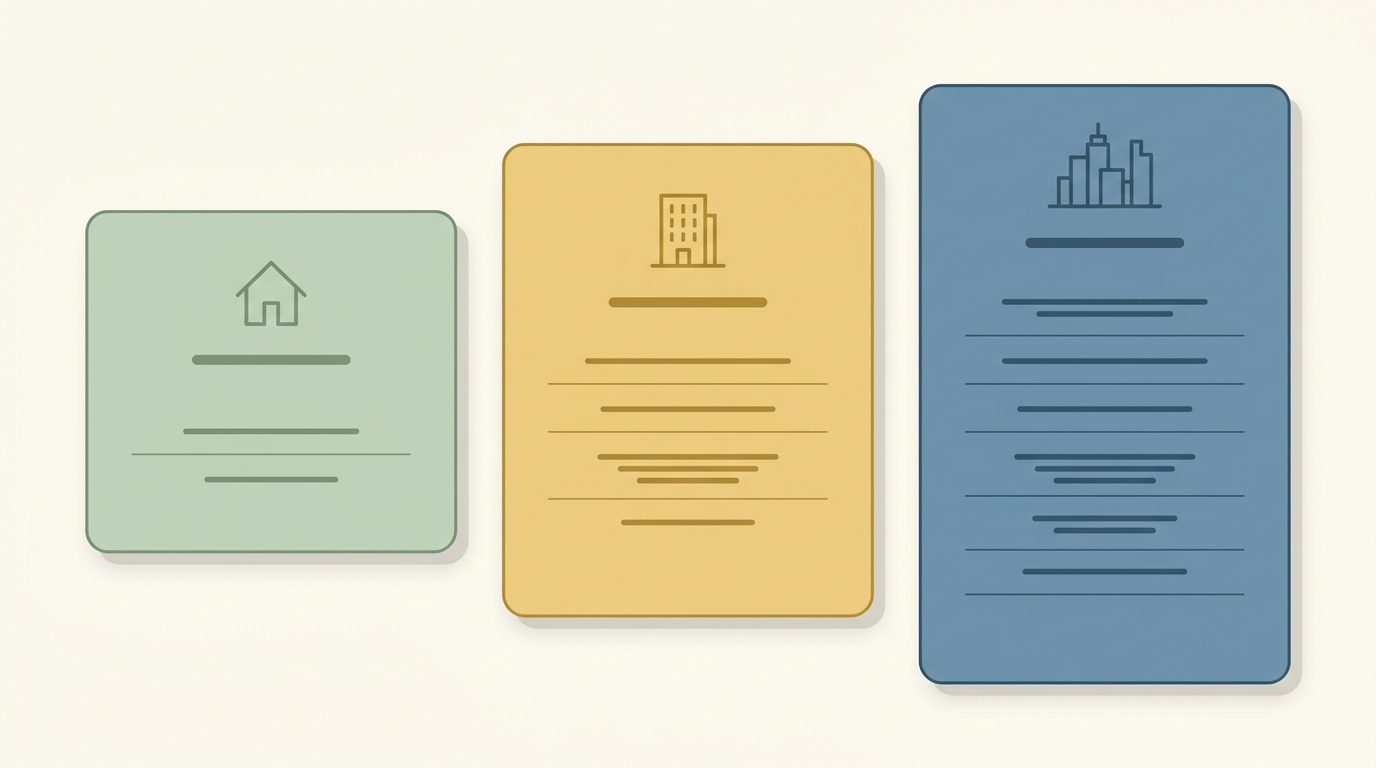
Pricing breaks cleanly into three tiers, and the right tier depends almost entirely on your community size and whether you need resident-facing self-service or full back-end administration. The Foundation for Community Association Research notes that the median US community association has around 100 units, which puts most HOAs squarely in the mid-market range.
Free and DIY builders (Wix, Squarespace, Google Sites) work for communities under 50 homes where the main goal is a basic information page. They have no native member directory, no role-based document permissions, and no built-in dues collection. Payments require a third-party integration, which adds reconciliation work for the treasurer. For a very small community that just needs a “who do I call” page, this is a reasonable starting point.
Dedicated HOA community platforms ($20-$100/month), including options like Raklet, HOA Express, and Pilera, are built for the 50-500 home range. They include member directories, document libraries, announcement tools with email delivery, and online dues collection as standard features. This tier is where most volunteer-run communities find the right balance of capability and cost.
Full property management platforms ($200+/month), such as AppFolio and Buildium, price on a per-unit model and are designed for professional management companies overseeing multiple communities. For a self-managed HOA of 200 homes, the per-unit cost adds up quickly, and most of the feature set will go unused.
Hidden costs catch boards off guard. Payment processing fees of 2-3.5% are standard across most platforms that handle online dues. Some platforms charge per-unit overages once you exceed a base plan. Others charge setup fees or, critically, data export fees when you want to leave. Always ask for a sample data export before signing a contract. The answer to that request tells you more about a vendor’s intentions than any sales call. See a broader HOA software comparison to understand how platforms stack up beyond price alone.
State-Specific HOA Website Requirements
Note: Statute information as of April 2026. Requirements change. Verify current rules with your association attorney.
Several states now require HOAs to maintain an online presence with specific records. These are legal obligations, not best practices. Florida Statute §720.303 requires HOAs with 100 or more parcels to maintain a website and post governing documents, board meeting notices, and financial records. Florida Statute §718.111 extends similar requirements to condominium associations above certain thresholds.
Texas Property Code §209.00505 requires HOAs with 60 or more lots in counties with a population of 500,000 or more to make governing documents available online. Nevada NRS 116.31152 requires planned communities to maintain a secure website where unit owners can access association records. These statutes change, and community size thresholds vary. Verify current requirements with your association attorney before assuming your community is exempt.
4 Questions to Ask Before Choosing HOA Website Software
Most HOA software vendors give polished demos. The gaps show up later. These four questions, asked directly before you sign, will surface problems that a standard demo walkthrough will not.
-
Does it handle online dues collection with automatic receipts?
For most volunteer boards, dues collection is among the most time-consuming recurring tasks the treasurer handles. Software that processes payment, sends a receipt to the resident, and records the transaction automatically eliminates that workload. Automated renewal reminder emails are a good example of what this looks like in practice (the workflow is similar across most dedicated HOA platforms). If the answer involves any manual step on the board’s side, keep looking.
-
Can residents access documents without creating a new account?
Board-controlled member invites and single-click setup are the standard. If residents have to register independently, boards lose control over who has access. If governing documents are behind a registration wall, residents who need them in a hurry (during a home sale, for example) will call the board instead of self-serving.
-
Does it send announcements via email, not just through the portal?
Portal-only notifications assume residents log in regularly. Most do not. Email delivery reaches residents where they already are. Ask to see what the outbound email looks like from a resident’s inbox, not just the announcement creation screen. How email sending works in a community platform gives a sense of the workflow: composition, recipient selection, and delivery confirmation are the three steps to verify in any demo.
-
What happens to your data if you switch later?
Ask for a sample export of member records and payment history before signing. If the vendor hesitates or says exports require a paid service request, that is an early warning about vendor lock-in. Your data belongs to your community. It should leave with you, cleanly and completely, on request.

Warning Signs in an HOA Software Demo
A well-run demo shows you the happy path. Watch for these patterns, which reveal how the product behaves once you are actually using it.
-
Resident directory requires admin to update each entry manually.
The right model is resident self-update with admin approval. If the board has to manually edit every address change, phone number update, and new resident entry, the directory will fall out of date within a year. -
Online payments require a third-party integration.
Stripe or Venmo bridges sound flexible, but they add reconciliation complexity. Dues paid through a third-party tool often do not appear in the platform’s ledger automatically. Native payment processing, built into the platform, is the cleaner approach. -
Document access requires individual file-level permissions.
Role-based access is the correct model: owners see one set of documents, board members see another, committee members see a third. File-by-file permissions work fine for five documents. They become unmanageable at fifty. When a board member uploads meeting minutes without setting the right permission, residents either see nothing or see everything. -
No mobile-responsive resident portal.
Many residents interact with their HOA almost exclusively from a phone. If the vendor’s demo is only shown on a desktop, ask to see the mobile view. A portal that is hard to read on a phone is a portal that residents do not use.

HOA boards running communities of 50-500 homes often find they can get their community set up and operating on HOA community management software in a single weekend. The core setup (member directory, document library, announcement channel, and dues collection) covers the resident communication needs that take up most of a board’s non-meeting hours. If you want to see how the cost fits your community size, review pricing directly before booking a demo call.
Frequently Asked Questions
What is the best HOA website software?
There is no single best option for every community. The right fit depends on your community size and your board’s primary pain point. For communities of 50-500 homes that need a resident communication hub, dues collection, and document management, dedicated HOA community platforms in the $20-$100/month range cover the core needs. For self-managed communities under 50 homes with minimal payment processing needs, a free website builder may be sufficient. The Foundation for Community Association Research puts the median US community association at roughly 100 units, which places most boards in the mid-tier platform range.
How much does HOA website software cost?
Expect to pay $0 for a basic DIY website builder with no native HOA features, $20-$100/month for a dedicated HOA community platform with dues collection and member management, or $200+/month (typically per-unit pricing) for full property management software. Hidden costs to budget for: payment processing fees of 2-3.5% per transaction, potential per-unit overages above a base plan limit, and possible data export fees if you switch platforms later.
Can an HOA use free website builders like Wix?
Yes, with limitations. Free and low-cost website builders work for communities under 50 homes that only need a basic information page. They have no native member directory, no role-based document access, and no built-in dues collection. Online payments require third-party integrations that add manual reconciliation work. For any community where online dues collection and resident self-service are priorities, a purpose-built HOA platform is a more practical choice.
What is the difference between HOA website software and HOA management software?
HOA website software is the resident-facing portal: dues payment, document access, announcements, event calendar. HOA management software is the administrative back end: accounting ledgers, violation tracking, vendor management, financial reporting. Some platforms bundle both. Most self-managed communities with volunteer boards need the resident portal layer only. Full management software is built for professional management companies overseeing multiple communities at once. Buying the management tier when you need the portal tier means paying for features you will not use.