
Last Updated: April 2026
The build vs. buy question for membership data management software has a deceptively simple answer for most organizations: buy. But the cases where that answer is wrong are specific enough that choosing the right path requires understanding actual cost differences, not just monthly subscription prices.
In 2026, there are three real options for managing membership data: build a custom system, buy a SaaS membership platform, or use no-code tools to assemble something in between. Each makes sense in a specific context. This article walks through all three with a three-year total cost of ownership (TCO) comparison so you can make the decision based on numbers, not gut feeling.
| Your situation | Best path |
|---|---|
| Standard membership tiers, under 10,000 members, no unusual compliance requirements | Buy SaaS |
| Under 300 members, piloting a membership model, budget is the primary constraint | No-code tools |
| Complex multi-chapter dues logic, strict data residency requirements, in-house technical team | Build custom |
What Is Membership Data Management Software?
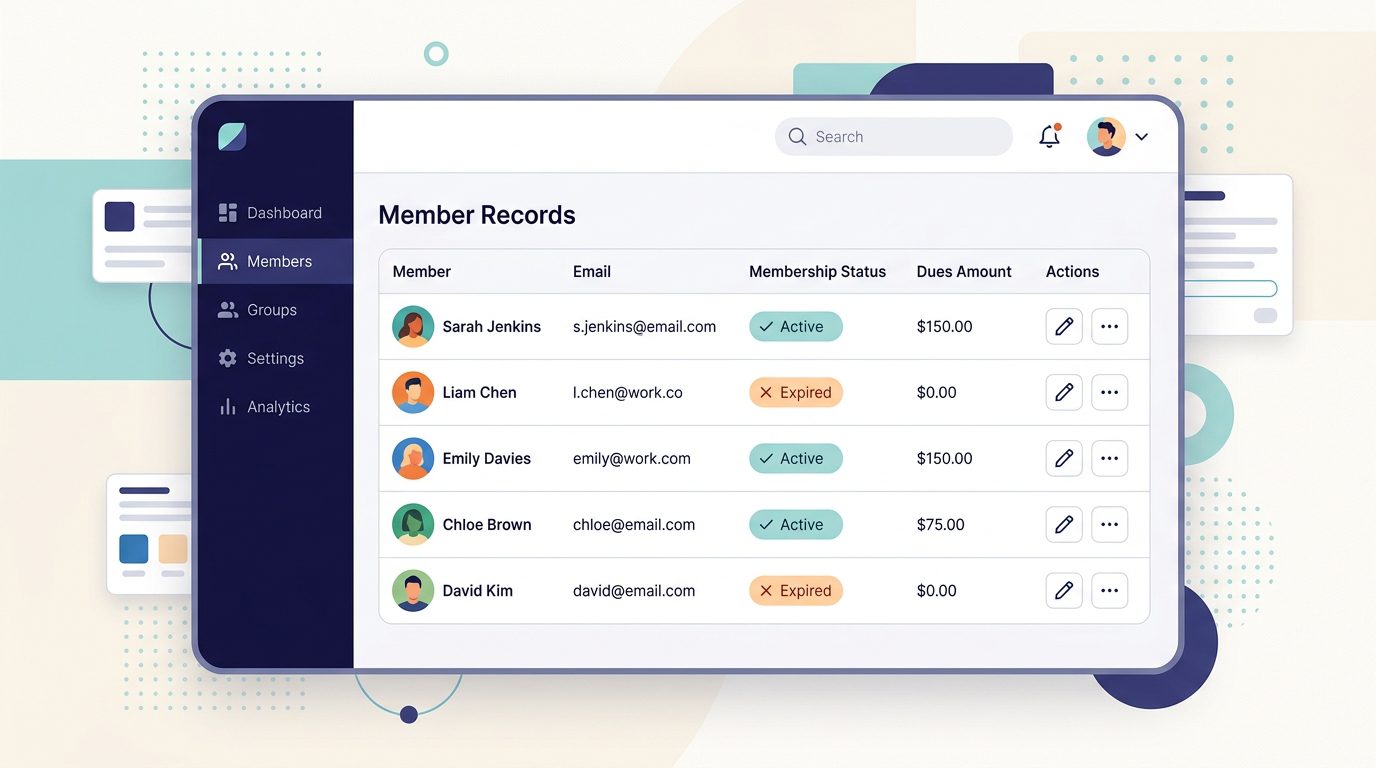
Membership data management software is the system an organization uses to store, organize, and act on member records. At a minimum, that means names, contact details, membership status, and payment history. In practice, it also covers event attendance, communication logs, volunteer records, committee roles, and anything else the organization tracks about its members.
Without a dedicated system, membership data typically lives in spreadsheets. That approach works for the first 50 to 100 members. It stops working when members renew at different times, when staff need to segment a list for an email campaign, when a board member asks for a membership count by region, or when the person who maintains the master spreadsheet leaves the organization.
A well-structured member database typically holds:
- Member profiles: contact information, membership tier, join date, renewal date
- Payment records: dues history, outstanding balances, payment method on file
- Engagement data: event registrations, volunteer hours, committee participation
- Communication history: emails sent, survey responses, support interactions
- Custom fields: anything specific to your organization’s membership model
For a deeper look at structuring member records, see what to include in a membership database.
The three main ways to acquire this capability are custom development, off-the-shelf SaaS platforms (often called a membership CRM or association management system), and no-code tools like Airtable or Notion paired with automation software. Each carries different costs, timelines, and ongoing maintenance requirements.
The 3-Year TCO: Build vs. Buy
Most build-vs-buy comparisons focus on year-one cost. That framing favors SaaS, which has a low upfront cost, and underweights custom development, which has a high upfront cost. A three-year view tells a more accurate story.
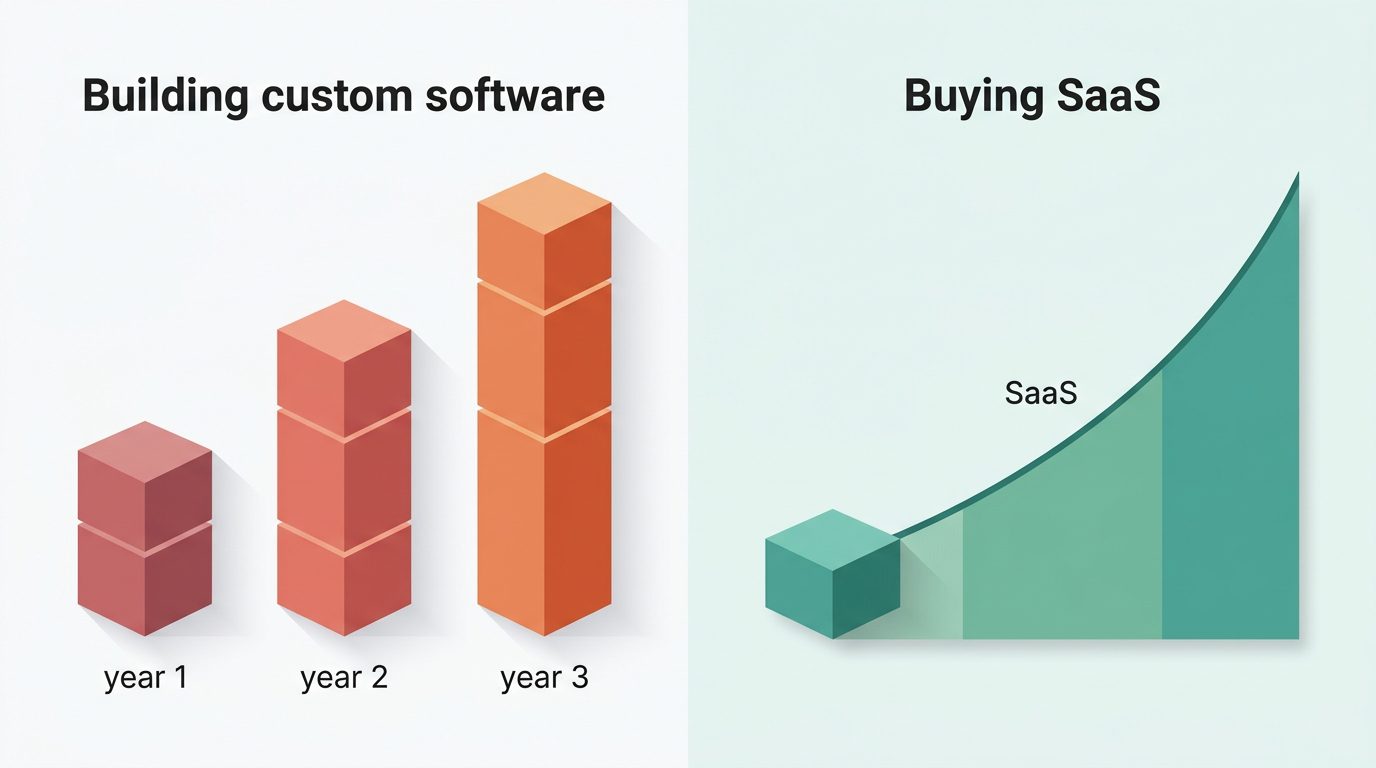
| Custom build | SaaS platform | No-code tools | |
|---|---|---|---|
| Initial cost | $50,000–$500,000+ | $500–$5,000 (setup + migration) | $0–$500 |
| Year 1–3 subscription | $0 (but see maintenance) | $1,800–$18,000 ($50–$500/mo) | $240–$1,200 ($20–$100/mo) |
| Annual maintenance | 15–20% of build cost | Included in subscription | Self-managed |
| 3-year total (mid-tier example) | $200,000–$550,000 | $8,000–$12,000 | $3,000–$10,000 (scales poorly) |
| Time to deploy | 6–18 months | Days to 4 weeks | Days to 2 weeks |
| Scales past 500 members | Yes | Yes | No (maintenance burden rises sharply) |
Build cost range based on Clutch research ($132,480 average for custom software projects) plus 15–20% annual maintenance. SaaS estimate based on $200/month mid-tier platform over 36 months plus a $1,500 migration. No-code estimate based on Airtable + Make.com + Stripe at small-organization pricing.
Build costs (custom development)
According to Clutch research, the average custom software development project runs approximately $132,480 and takes about 13 months to complete. Membership-specific builds vary considerably: a basic system with member profiles and manual renewal tracking starts around $50,000, while a full-featured platform with a member portal, automated renewals, event management, and reporting typically runs $200,000 to $500,000 or more, depending on complexity.
After launch, plan for annual maintenance costs of 15 to 20 percent of the original development investment, according to Clutch benchmarks. On a $150,000 build, that is $22,500 to $30,000 per year to keep the system running and secure. Feature additions and integrations are separate line items.
Hidden build costs organizations tend to underestimate:
- Developer turnover: If the person who built the system leaves, institutional knowledge is lost. Onboarding a replacement into an undocumented codebase is expensive and slow.
- Feature queue backlog: Every new requirement needs a developer. Renewal automation, payment retries, email integration, and custom reporting each become separate projects competing for developer time.
- Integration maintenance: Payment gateways, email platforms, event tools, and accounting software all require custom connectors. SaaS vendors build these once and maintain them centrally across their entire customer base.
- Internal staff time: Design, requirements gathering, testing, and project management on a major custom build typically consume 10 to 20 percent of a key administrator’s time for a year or more. This cost rarely appears in a development quote but is real.
Buy costs (SaaS platforms)
Most SaaS membership platforms price on a monthly subscription, typically $50 to $500 per month depending on member count, feature tier, and contact storage. Over 36 months at $200/month, that is $7,200 in subscription costs, plus initial setup and data migration (typically $500 to $5,000 for a basic migration from spreadsheets). Total three-year cost for a mid-tier SaaS: roughly $8,000 to $12,000, compared to $200,000 to $550,000 for a comparable custom build including maintenance.
Hidden buy costs that often go unexamined:
- Per-member pricing creep: Many platforms charge by member count. A platform priced at $150/month at 500 members may cost $600/month at 2,000 members. Project your expected growth before committing to a tier.
- Data portability limits: Some vendors make data export straightforward; others restrict it. Before signing, confirm you can export member records in a portable format (CSV or JSON) without restriction.
- Vendor continuity risk: If a vendor raises prices significantly, gets acquired, or discontinues the product, migration requires time and budget. A multi-year view should include a realistic cost for this scenario.
In practice, most organizations evaluating this decision have 200 to 5,000 members, a standard tier structure, and limited technical staff. In that range, the SaaS cost advantage is most pronounced and the build case is weakest.
The practical rule: For most organizations with fewer than 10,000 members and a standard membership model (individual, family, and organizational tiers), buying wins on three-year TCO in nearly every scenario. The monthly subscription cost does not approach the combined cost of building, maintaining, and extending a custom system. The exceptions are organizations with genuinely unusual membership structures or compliance requirements that no available platform supports out of the box.
When Building Makes Sense (The Rare Cases)
Custom development is the right answer in a small set of situations. These are not hypothetical edge cases; they describe real organizations that have built custom systems for sound reasons.
Your membership model cannot be configured in any available SaaS platform. Multi-chapter associations with complex dues splits are the clearest example: when a portion of each renewal routes to the national organization, the regional chapter, and the local chapter based on member type and location, most SaaS platforms cannot accommodate that logic through standard configuration. If your model genuinely doesn’t fit any available platform after a thorough evaluation, building may be the only viable path.
You have compliance or data residency requirements that rule out cloud SaaS. Organizations handling sensitive member data (health records, financial disclosures, or security-clearance-adjacent information) sometimes face regulatory requirements that mandate on-premise storage or data residency in a specific jurisdiction. Most cloud SaaS vendors host in US or EU data centers. If your requirement is more specific, verify it is met before assuming any platform qualifies.
You have an in-house technical team that can own the system long-term. Building custom software without technical staff to maintain it creates a very expensive problem. If your organization employs developers, a custom build becomes far more viable. Large university alumni associations and major trade associations with internal technology teams are among the most common organizations that successfully operate custom membership systems.
You are prepared to wait 6 to 18 months for a production-ready system. Even a well-scoped custom membership system typically takes the better part of a year from kickoff to stable production. If your current system is failing and you need a working solution within 90 days, custom development is not on the table regardless of budget.
When Buying Makes Sense (Most Cases)
For most organizations, a SaaS membership platform is the correct decision. The reasons are more specific than “it’s cheaper upfront.”
Time to value is measured in weeks, not months. A SaaS membership platform can be configured and accepting member data within days to a few weeks. Custom development takes 6 to 18 months before the system does anything useful. For an organization currently managing renewals manually from spreadsheets, faster deployment has direct operational value that compounds over time.
Standard membership models are comprehensively supported. If you offer individual, family, and organizational membership tiers with standard renewal terms, every major SaaS platform handles this out of the box. There is no differentiated value in building a custom system that does what a $99/month subscription also does.
AI features have widened the capability gap. In 2026, mid-tier SaaS membership platforms increasingly include capabilities that would require substantial engineering effort to build independently: predictive churn risk scores that surface at-risk members before they lapse, personalized renewal sequences that adjust timing based on engagement signals, and plain-language report interfaces that let non-technical staff answer complex membership queries without writing SQL. Building custom membership software now means competing against platforms with these capabilities built in, not just feature-complete SaaS from five years ago.
Non-technical staff can manage the system without developer involvement. SaaS platforms are designed to be administered by operations managers and membership coordinators. Custom systems almost always require technical staff or ongoing vendor support to change settings, add fields, or update integrations.
For organizations with limited budgets, free membership management software options can handle basic needs for organizations under 200 to 300 members. Nonprofits benefit from dedicated pricing and feature sets; nonprofit membership management software has evolved considerably from the legacy association management tools of the 2010s, with modern platforms offering grant reporting exports, donation tracking, and volunteer coordination alongside core member database functions.
The No-Code Middle Path (2026 Update)
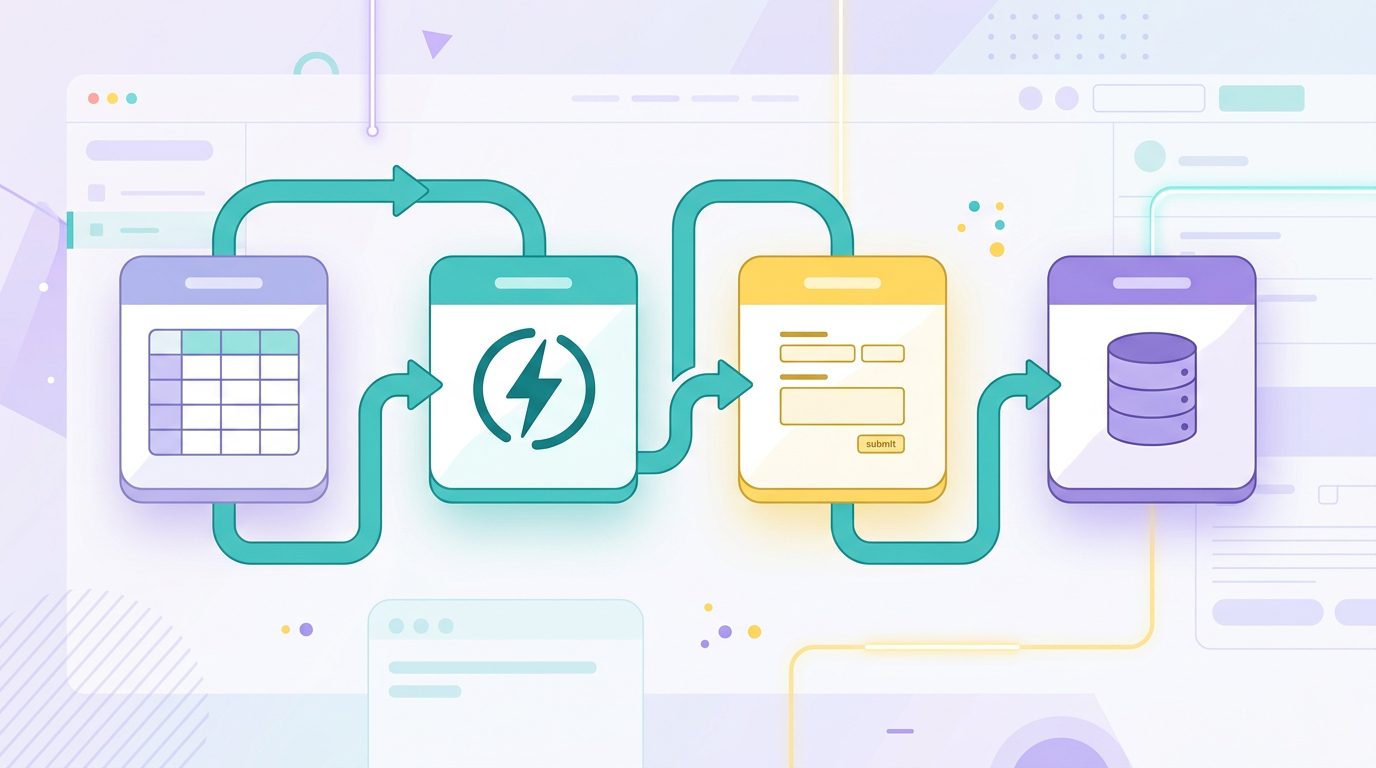
Between full custom development and a purpose-built SaaS platform sits a practical option that didn’t meaningfully exist when most build-vs-buy articles on this topic were written. No-code tools like Airtable (as a member database), Notion (for lightweight CRM workflows), and Make.com or Zapier (for automation) can be assembled into a functional membership management system at low cost.
This path works well for organizations with fewer than 200 to 300 members that need more structure than a spreadsheet but don’t require the full feature set of a dedicated membership platform. A typical no-code setup uses Airtable to store member records, Stripe for payment processing, and Make.com to trigger renewal emails when a record approaches its due date. Setup cost is low; ongoing tool subscriptions at small scale typically run $20 to $100 per month.
The limitations are real and predictable:
- No-code systems don’t scale cleanly. Automation complexity grows faster than member count. At 500 or more members, the maintenance burden often approaches the cost of a dedicated SaaS platform.
- These tools weren’t built for membership management. Edge cases such as failed payments, mid-cycle tier changes, and multi-chapter structures require custom logic that becomes increasingly fragile in a no-code environment.
- Infrastructure, security, and payment compliance are your responsibility. SaaS membership platforms handle PCI compliance, GDPR data handling, and hosting reliability centrally. A no-code assembly does not.
The no-code path is a reasonable bridge for very small organizations or for those piloting a membership model before committing to a platform. It is not a viable long-term replacement for dedicated member data management software once you pass a few hundred members.
Frequently Asked Questions
What is membership data management software?
Membership data management software is a system that stores and organizes member information, including contact details, membership status, payment history, and engagement records. It automates processes like renewals, invoicing, and member communications that would otherwise require manual work. Depending on the organization type, it may also be called a membership CRM, membership database software, or association management system (AMS).
Should a nonprofit build or buy membership software?
In most cases, buy. Custom development requires upfront investment of $50,000 or more and ongoing maintenance costs of 15 to 20 percent of that investment annually. SaaS platforms designed for nonprofits include the features most organizations need (donations, event management, communication logs, reporting) at a monthly cost that is almost always lower than the total cost of maintaining custom software. Build custom only if your membership model genuinely cannot be configured in any available platform after a thorough evaluation.
What are the hidden costs of building custom membership software?
The most underestimated are developer turnover (losing the team member who built the system), annual maintenance (typically 15 to 20 percent of original development cost per year, according to Clutch benchmarks), and feature backlog growth (every new requirement needs developer time). Organizations that build custom membership software often find that a system costing $100,000 to build has consumed another $150,000 to $200,000 over five years in maintenance, integrations, and additional feature work.
Can I use Airtable as a membership database?
Yes, for small organizations with up to 200 to 300 members. Airtable’s relational table structure can hold member profiles, payment records, and event attendance with reasonable flexibility. Connected to Make.com or Zapier, it supports basic automation like renewal reminders. The practical ceiling is around 300 members before the maintenance complexity approaches the cost of a purpose-built platform. Airtable also lacks native payment processing and the compliance features (PCI, GDPR audit logs) that dedicated membership software provides.
How do I migrate from a spreadsheet to membership software?
Most SaaS membership platforms accept a CSV import of member records. Before migrating, clean the source spreadsheet: standardize column headers, remove duplicate records, and verify that membership status and expiration dates are accurate. Many platforms include migration support in their onboarding, and the data import itself typically takes a few hours once the spreadsheet is clean. Budget one to four weeks of staff time for platform setup, import testing, and team training.
What should I look for when comparing membership software?
- Data portability: Can you export all member records in CSV or JSON at any time, without restriction? If not, you are locked in.
- Renewal and payment automation: Are renewals, failed payment retries, and invoicing handled automatically, or does staff need to trigger them manually?
- Built-in communications: Is email included in the subscription, or is it a paid add-on? Does the platform support SMS?
- Member self-service portal: Can members renew, update their profiles, and register for events without staff involvement?
- Pricing transparency: Does the price change as your member count grows? Get the pricing at 2x and 5x your current size before signing.
Most organizations get caught by per-member pricing creep and hidden integration costs that weren’t obvious at signup.
Choose the Right Membership Data Management Software
If your analysis points toward buying, Raklet’s membership management software is built for nonprofits, associations, clubs, and community organizations. It handles member records, renewals, payments, event management, and communications in one platform, without per-member pricing at most tiers. Start with free membership management software to test the platform before committing to a paid tier.